What white balance actually changes
A white shirt can look neutral in daylight, amber under a household lamp, or blue in open shade. White balance tells the camera what should appear neutral under the light reaching the scene. Once that reference is set, the camera adjusts its rendering of other colors accordingly. It does not change the light itself: if an orange lamp and a blue window illuminate opposite sides of a face, both colors can remain visible.
Color temperature describes one aspect of a light’s appearance in kelvin (K). Lower-temperature sources generally appear warmer or more amber; higher-temperature sources generally appear cooler or bluer. On a camera, raising the white-balance Kelvin setting typically makes the recorded image look warmer, because the camera is compensating for an assumed bluer source. That distinction is easy to mix up: the number describing a light and the number selected to balance it refer to related, but different, decisions.
Choose a reference before the first take
Start by identifying the light that should define the scene. Is the actor mainly lit by daylight through a window, or by a lamp inside the room? Set white balance for that dominant light, then judge what happens to the rest of the frame. A deliberate warm lamp in the background need not become white. The goal is not to remove every color difference; it is to decide which surfaces should look neutral and which differences serve the story.
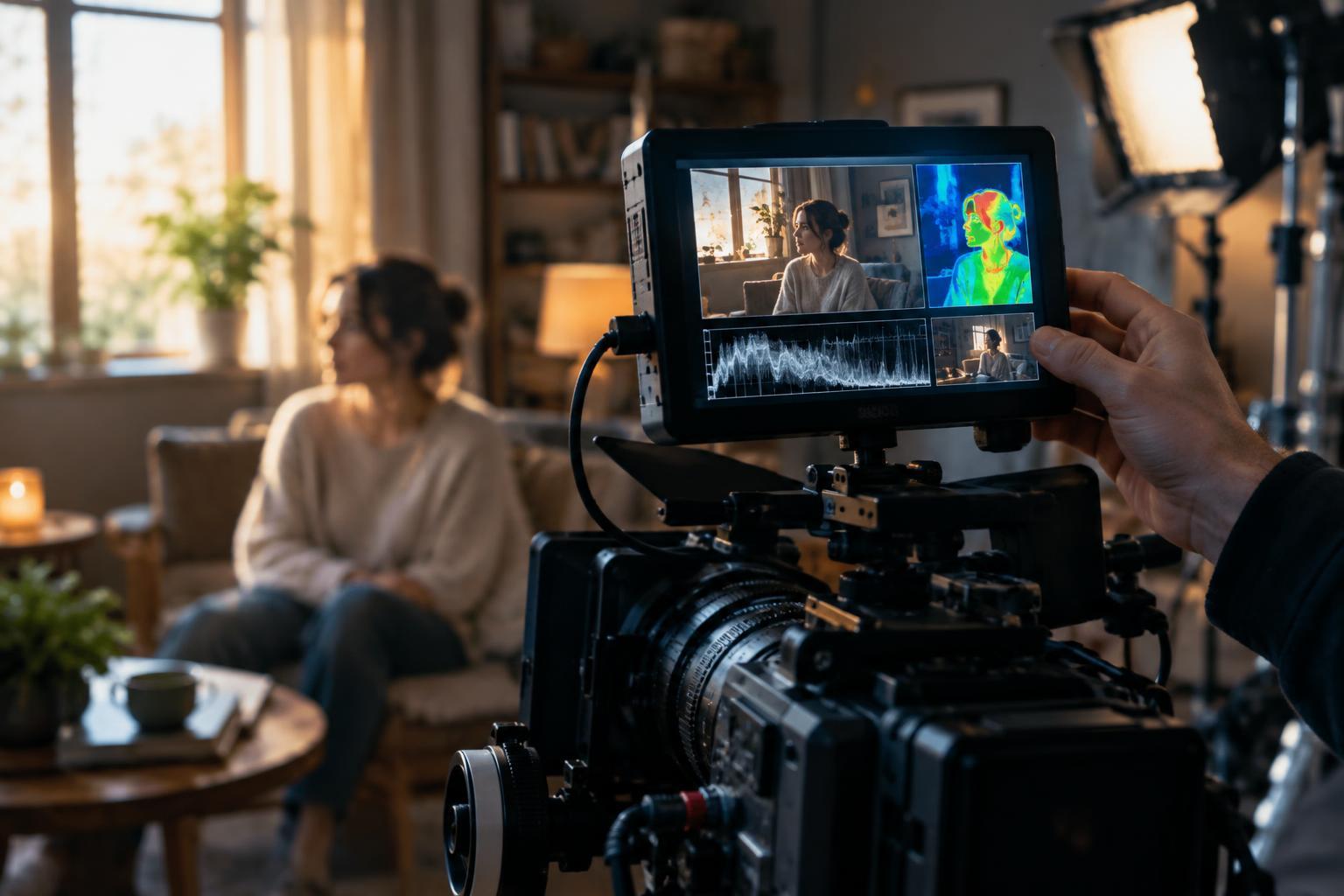
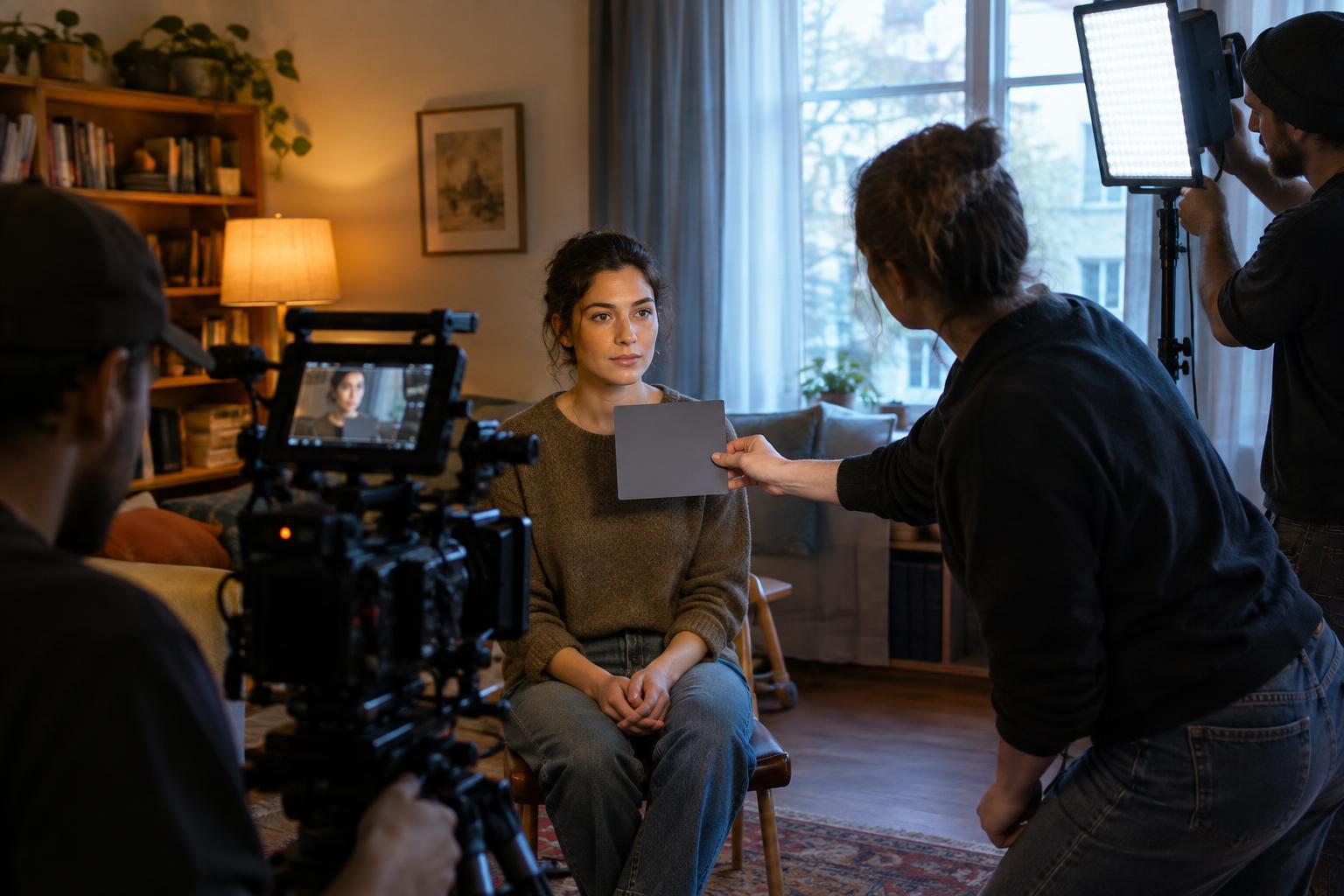
A neutral gray card held where the subject stands can give the camera a useful reference for a custom white balance. It should face the light you intend to balance and fill enough of the frame for the camera’s measurement procedure. A white card can also work if it is genuinely neutral and not overexposed. Check the result on a monitor when possible, especially for faces. Skin tone, wardrobe, and painted walls may reveal an odd color cast that a small camera screen makes easy to miss.
For a continuous scene, lock the chosen white balance rather than leaving it on automatic. Automatic white balance may shift between a wide shot and a close-up as the proportions of window, wall, and practical lamp change. A fixed setting keeps those shots on the same starting point, even if you later choose to refine their color in the edit.
Handle mixed light by choosing what to control
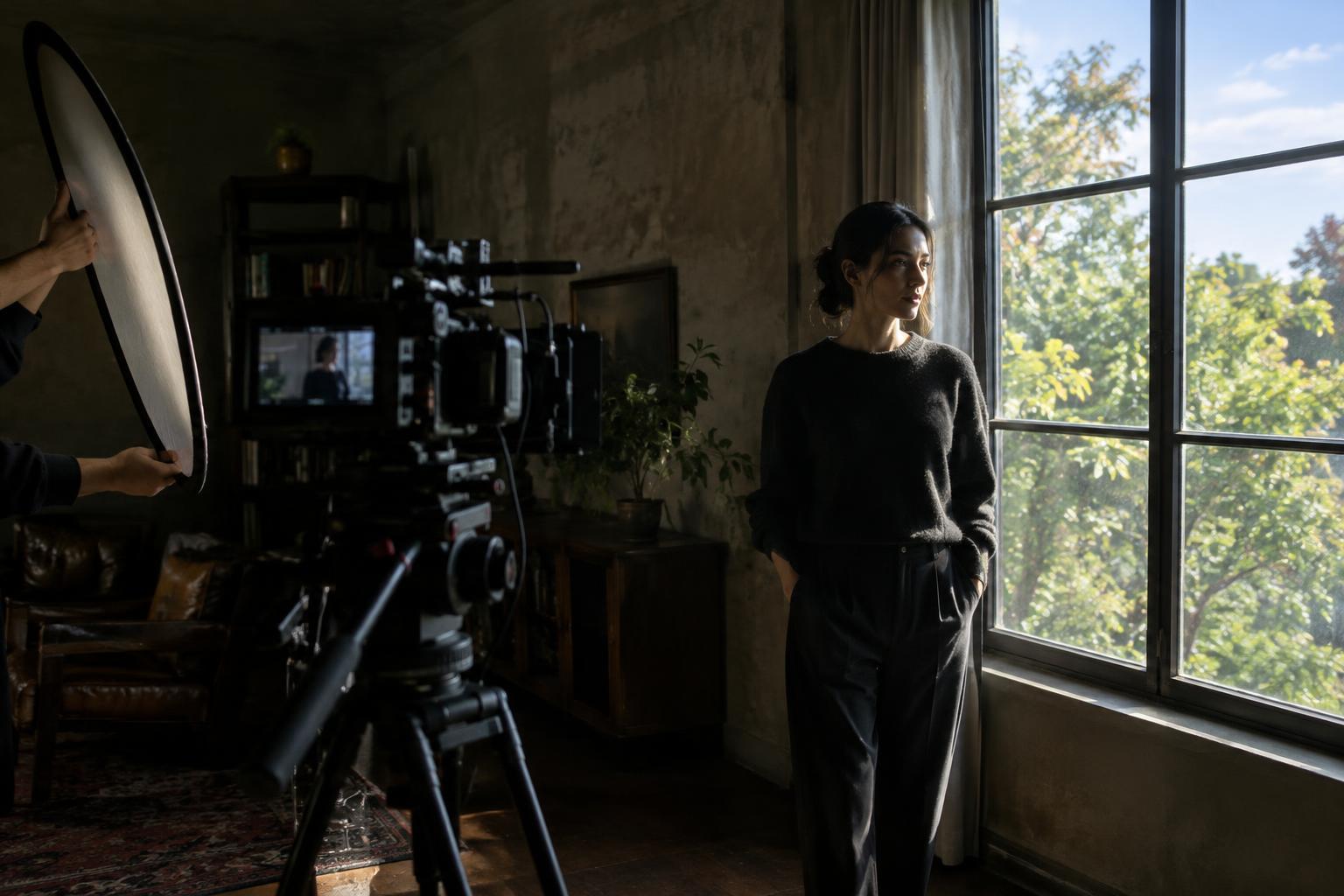
Mixed lighting is common: daylight enters a room while ceiling fixtures, desk lamps, or colored signs remain on. Before changing camera settings, look at where each source falls. A warm lamp deep in the background can add separation. A cool window and a warm ceiling fixture both striking the same face may be harder to manage, particularly when the actor turns between them.
You can simplify that situation by switching off an unwanted fixture, moving the subject, blocking some window light, or using lights with matching settings. Gels can shift a source toward another source’s color, though they also reduce some light. Choose the least complicated solution that preserves the intended look. Matching every source perfectly is rarely necessary; keeping the key light on faces predictable is often more useful.
Color temperature is not the whole story. Some LEDs and fluorescent fixtures have a green or magenta cast that a Kelvin adjustment alone may not correct. If your camera or lights offer a tint adjustment, use it carefully while checking a neutral reference and the subject’s skin. When one fixture produces an unpleasant cast, replacing it or keeping it off the subject may be simpler than trying to fix it later.
Keep coverage consistent as the set changes
Record the white-balance setting alongside each lighting setup, whether in a shot log or a quick photo of the camera display. When moving in for close-ups, check that the key light still reaches the actor from a comparable direction and that newly visible walls or lamps have not changed the apparent color balance. If daylight changes during a long shoot, decide whether to adjust the lighting, update white balance for a new setup, or pause for continuity. Avoid drifting between settings unnoticed within one sequence.
Capture a brief gray-card shot at the start of a setup if your workflow allows it. That reference can help an editor compare angles later, but it will not solve inconsistent lighting on its own. Shooting in a format with more color-adjustment flexibility can make corrections easier; it is still better to notice a problem while you can move a lamp or change a setting.
Use consistency in service of the scene
Consistent color does not mean every shot must look neutral. A cool hallway can lead into a warm room, and a face can move from window light into lamplight. Those changes read clearly when they are intentional and repeatable. Before rolling, decide what should remain steady across the coverage: perhaps the actor’s skin tone, the color of a white costume, or the warmth of a practical lamp.
A simple final check is to compare the wide shot and close-up side by side on the same display. If a color shift draws attention away from the performance, revisit the light source, camera setting, and subject position in that order. White balance is most useful as part of a lighting plan, not as a button expected to make every source agree.