Picture lock is a commitment, not a magic button
Picture lock means the timing and order of shots in an edit are considered final. The team can then work against a stable version for sound editing, music, color, visual effects, graphics and delivery. Those elements may still be unfinished when the picture is locked; the point is that they should no longer have to chase a moving timeline.
The exact meaning of “locked” depends on the project and its workflow. On a small production, one editor and director may agree on a cut before handing it to a sound collaborator. On a larger one, several people may need to approve it. Either way, use the term only when everyone knows which version is locked and what, if anything, remains open. A cut described as locked while scenes are still being reordered creates avoidable confusion.
Watch the story before inspecting the timeline
Start with a full viewing in conditions that let you concentrate. Resist pausing to fix individual frames. Ask whether the story is understandable, whether each scene earns its place and whether shifts in tone feel intentional. Notice stretches where attention drops or where a character’s decision needs information the audience has not been given. A technically tidy timeline cannot compensate for a story problem you already know how to address.
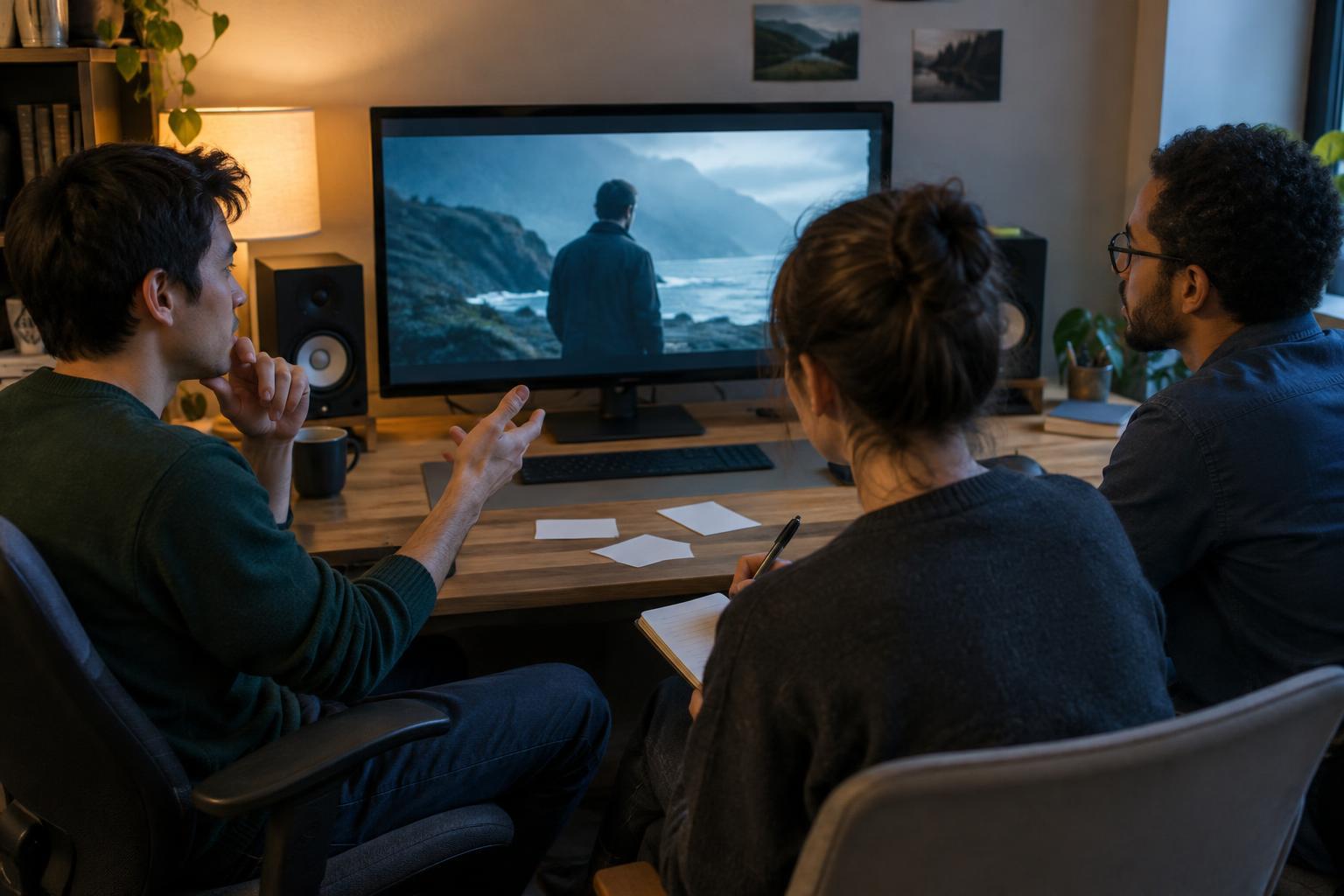
Then review the cut with the people whose approval is required. Gather notes in one place, resolve contradictory requests and distinguish essential changes from preferences. If a sequence still depends on an unconfirmed performance take, pickup shot or visual effect to make sense, decide whether it is truly ready to lock. Make that decision deliberately rather than hoping the issue will disappear during finishing.
Check the edit at the frame and track level
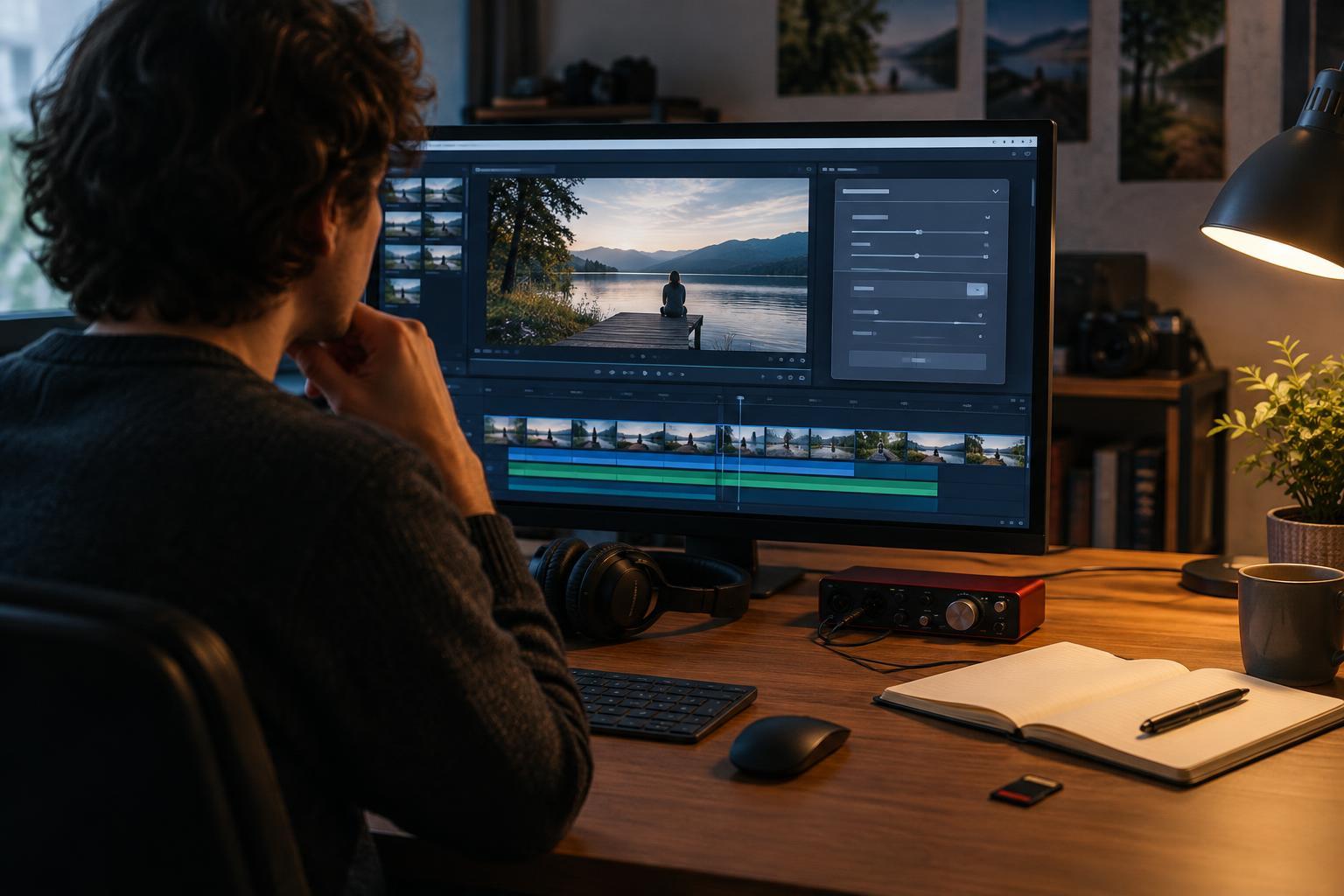
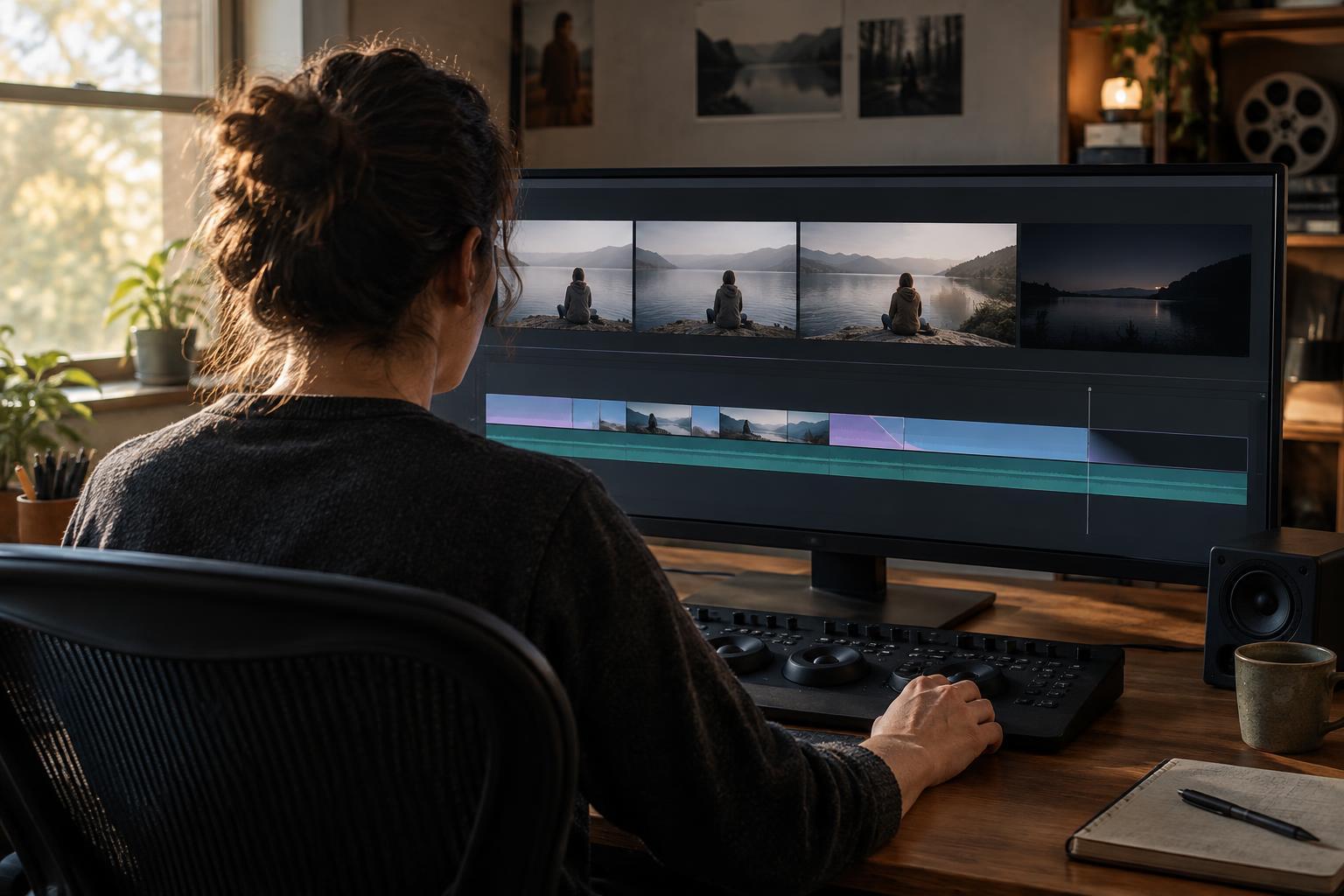
Once the story holds together, inspect the timeline for mistakes that are easy to miss during a normal screening. Look for flash frames, accidental black frames, duplicate shots, unintended jump cuts and stray clips hidden on upper video tracks. Check that fades and dissolves begin and end where intended. Review reframing, speed changes and stabilization to confirm that each shot still looks right at the intended output size.
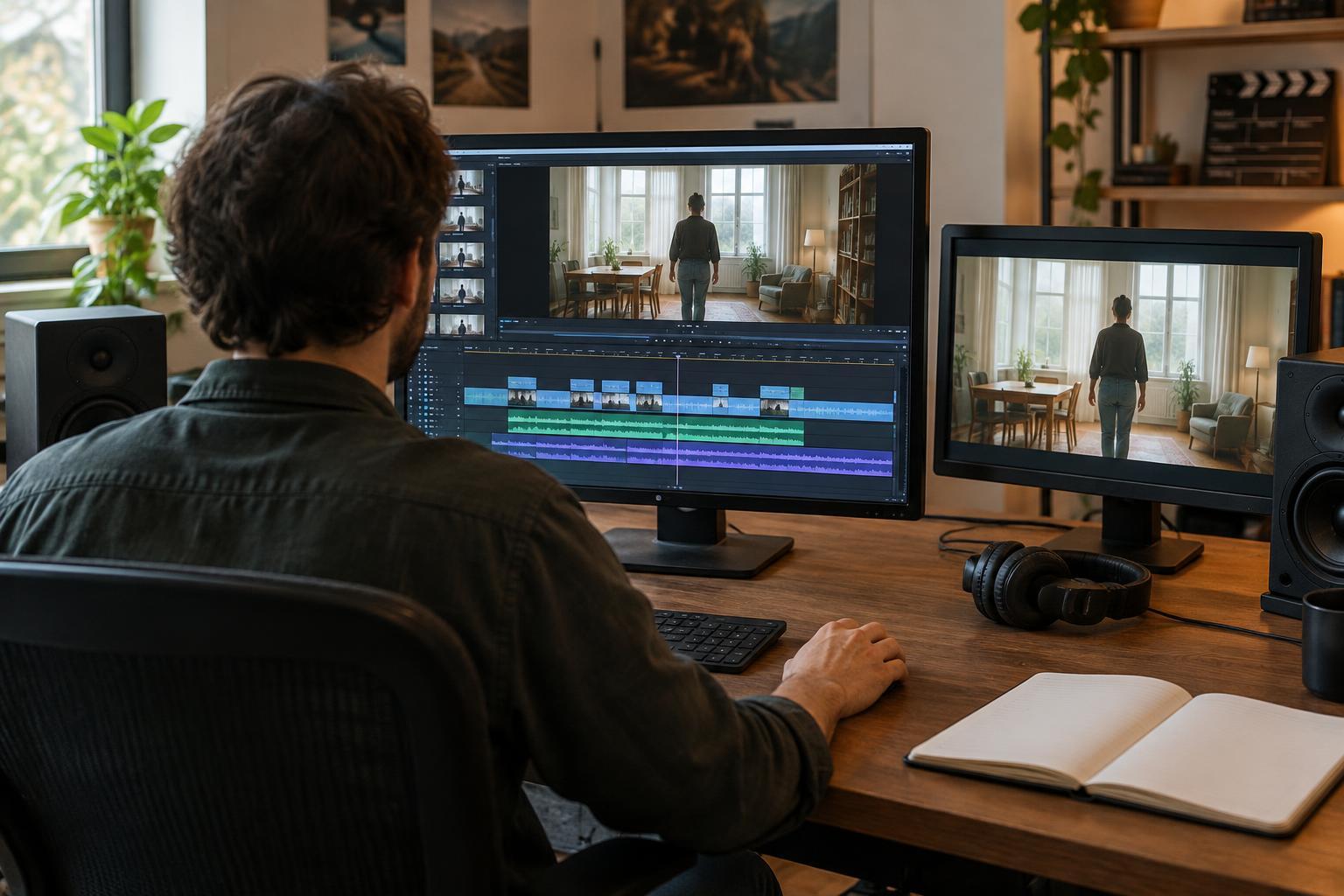
Listen as well as look. Temporary audio does not need to sound finished, but dialogue should be the intended take, and important sounds should occur at the right moments. Check for clips that were muted by accident, abrupt audio cuts and sync that drifts after a speed adjustment. If the project uses subtitles, on-screen text or credits, confirm the wording and timing that affect picture duration. Flag any titles or effects that are placeholders so the finishing team will not mistake them for approved work.
Finally, check the start and end of the program. Confirm the intended first and last frames, any head or tail material needed for handoff, and the correct aspect ratio and frame rate for the agreed workflow. These are practical checks, not a substitute for a proper finishing review, but they help prevent a flawed edit from becoming the reference for every department.
Prepare a handoff others can trust
A picture lock is useful only if collaborators can identify and reproduce it. Give the locked cut a clear version name and save a protected copy of the edit before further work begins. Export a reference video with readable timecode if the team uses timecoded notes, and verify that the export matches the timeline from beginning to end. Include the frame rate, dimensions and audio setup needed to interpret the file correctly.
Ask receiving collaborators what they need before exporting interchange files or media. A sound editor may need separated audio tracks and handles; a colorist may need an XML or similar timeline file plus access to source footage. Requirements vary by software and workflow. When possible, test that the handoff opens correctly rather than assuming a successful export means every clip, effect and audio track will translate. Keep a short list of known placeholders and unresolved finishing tasks alongside the locked reference.
Treat changes after lock as exceptions
A locked cut can change if a serious problem is found. “Locked” does not mean ignoring a missing shot, a factual error in a title or a scene that no longer works. It means weighing the value of a change against its effect on work already underway. Even removing a few frames can shift sound cues, music edits, subtitles, visual effects and color references downstream.
If a change is necessary, tell everyone working from the locked version exactly what changed and issue a clearly named new reference. Keep a record of the affected timecodes and confirm which departments need to update their work. This discipline makes picture lock less about enforcing an arbitrary deadline and more about protecting the shared agreement that lets a film move from editing into finishing.