Protect the footage before you edit
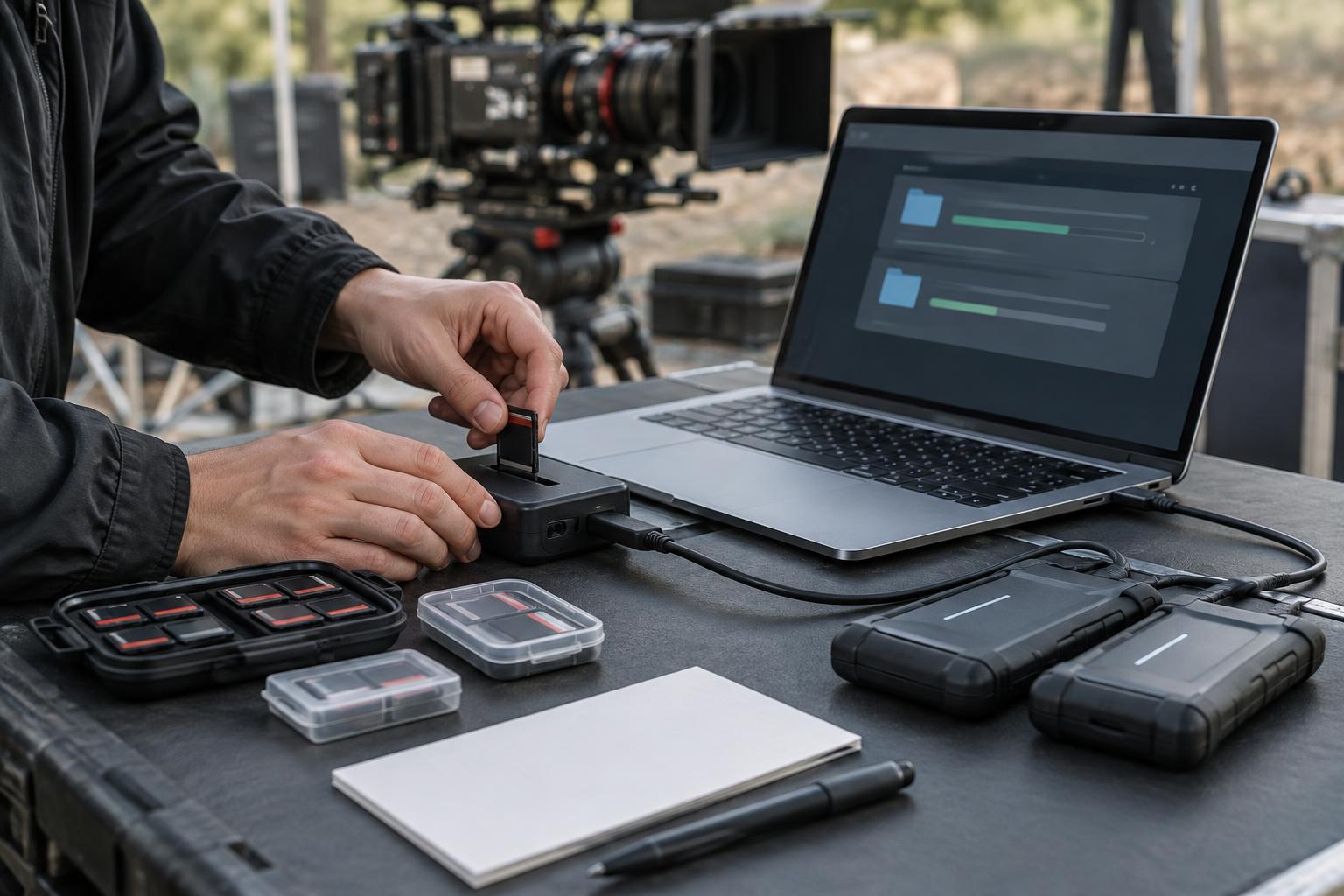
Post-production begins with the original camera and sound files, not the first cut. Copy each recording card into a clearly named folder while preserving its full folder structure. Some cameras need supporting files alongside the video clips, so selecting only the files that appear to contain pictures can create problems later. Keep a simple record of which cards have been copied and where each copy lives.
Make at least two copies on separate storage devices before erasing a card. If your transfer software can verify copies with checksums, use that feature; otherwise, compare folder contents and open a selection of files before treating a transfer as complete. A backup stored away from the main editing drive offers protection against damage or loss in one place. Decide who is responsible for these checks, even on a small project. An orderly start is far easier than reconstructing missing media halfway through an edit.
Build an edit that can travel
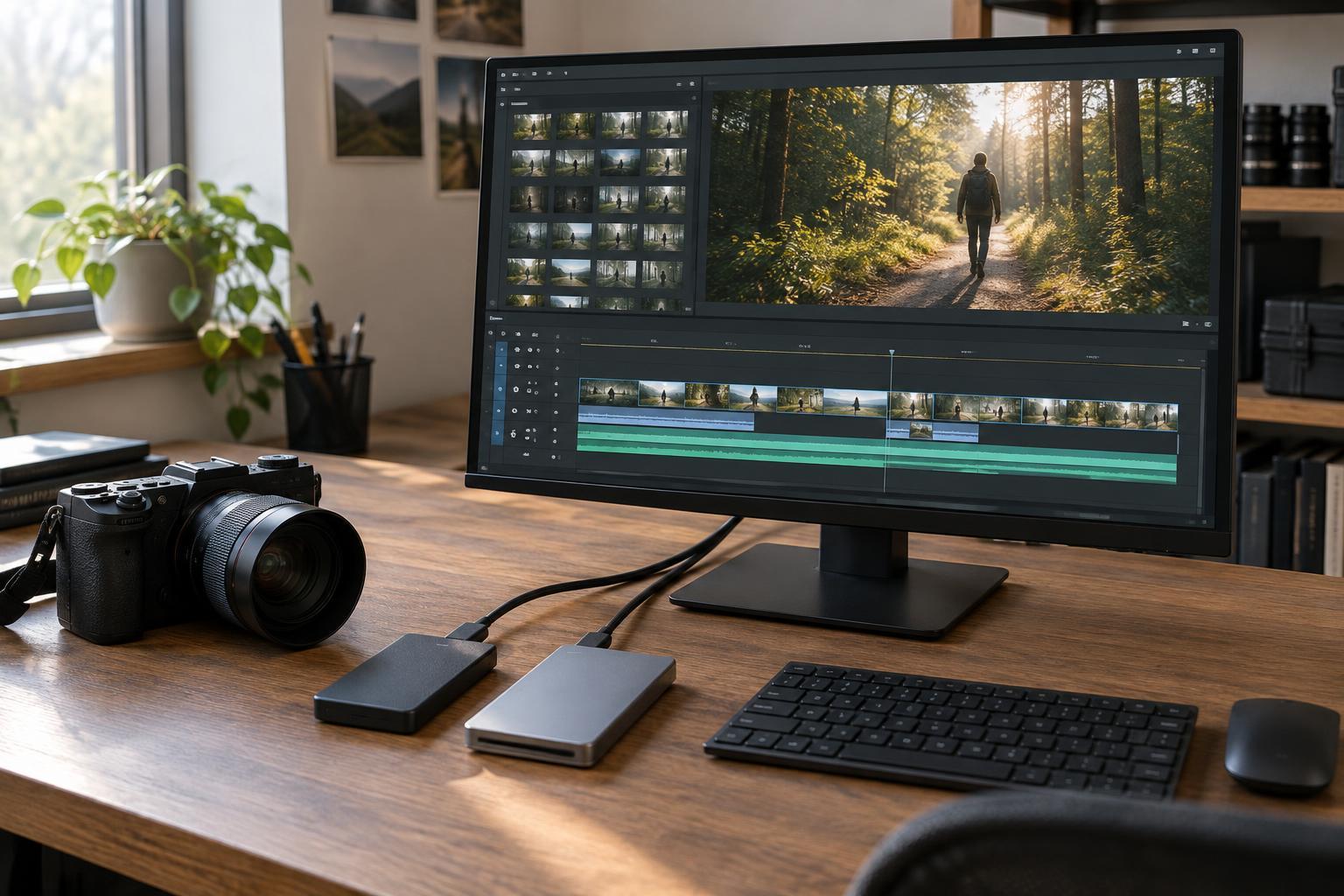
Create a project structure that separates camera originals, production audio, graphics, music, project files, exports, and temporary media. Use consistent names for scenes, shooting days, and versions. Keep the original filenames intact unless the entire team has agreed on a renaming process that preserves a link to the source files. Notes on takes, wild tracks, and room tone can save time when the footage reaches the timeline.
Sync separately recorded sound using timecode when it is available and reliable, or match a clap and waveforms when it is not. Check several sync points rather than assuming every clip aligned correctly. High-resolution or demanding formats may play more smoothly as proxies, which are lighter files linked to the originals. Before editing, test that you can switch back to the camera media. Establish the intended frame rate, aspect ratio, and audio layout early so that avoidable settings changes do not complicate delivery.
Find the film before polishing the cut
An assembly puts usable material in story order. Its job is to reveal what was captured, not to make every transition elegant. A rough cut then tests the shape of scenes: what the audience needs to know, where attention drifts, and whether a reaction communicates more than another line of dialogue. Watch the cut from beginning to end occasionally. Problems of pace are often harder to spot when you only revisit individual scenes.
As the cut develops, keep feedback rounds specific. A note such as “the intention of this scene is unclear” is more useful than a vague request to make it faster. Save identifiable versions before major changes, and record decisions that affect other departments. Temporary music, sound effects, and color treatments can help communicate an idea, but label them clearly. Once timing and shot choices are approved, declare picture lock—or explain exactly what may still change. Sound, color, and graphics work can proceed before lock, but late picture changes are likely to create extra work.
Finish the picture and sound together
For finishing, prepare a clean timeline and the reference files needed by anyone handling sound, color, visual effects, or titles. Confirm how the edit will be transferred and include source media where appropriate. A reference export with visible timecode can help collaborators locate notes. Check that effects and transitions survive the transfer; some may need to be recreated in the finishing software.
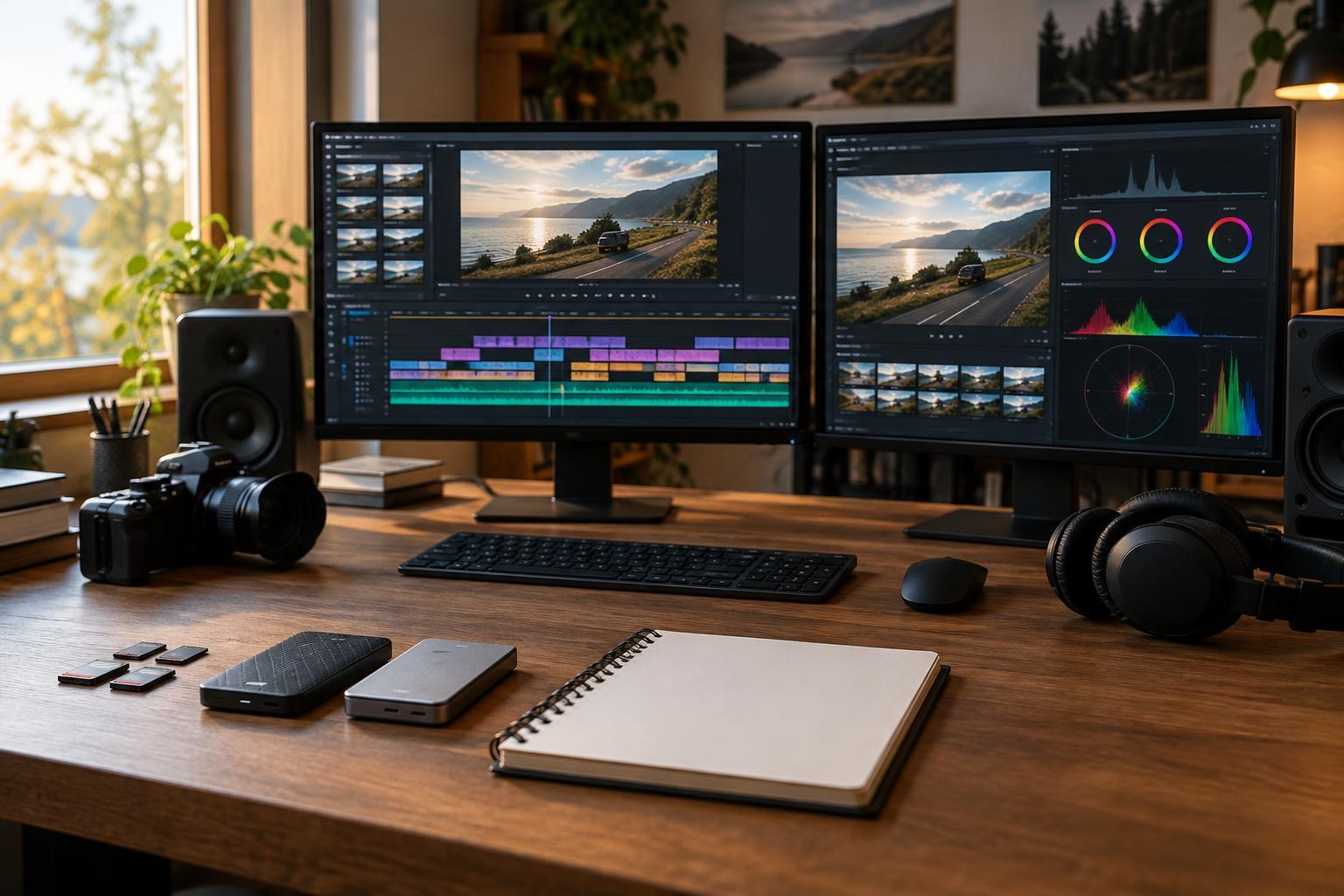
Sound finishing usually involves cleaning dialogue where possible, choosing between takes, adding ambience and effects, and balancing music against the rest of the mix. Room tone helps bridge edits, but it cannot repair every recording problem. Color work begins with matching shots so changes in exposure and white balance do not distract from a scene; a more expressive look can follow. Review titles and visual effects at full resolution, including edges, spelling, and placement. Finally, watch and listen to a combined version rather than judging each element in isolation.
Export, inspect, and archive
Start delivery with the destination’s specifications: frame size, frame rate, file format, audio channels, captions, and naming requirements may differ. Export a viewing copy for review and, when useful, a high-quality master from which other versions can be made. Do not assume that a successful export message means the file is ready. Play the exported file itself, checking the opening and ending, scene changes, titles, sync, sound levels, and any shots that caused trouble during editing.
A final quality-control pass should also look for offline media, unintended black frames, missing effects, clipped text, and captions that no longer match the cut. If you fix a problem, inspect the new export; the corrected timeline is not the delivered file. Archive the approved master, project files, and the media needed to reopen the edit, along with a short note identifying the final version and any required software or fonts. Good archiving does not promise that a project will open forever, but it gives a future editor a workable starting point.