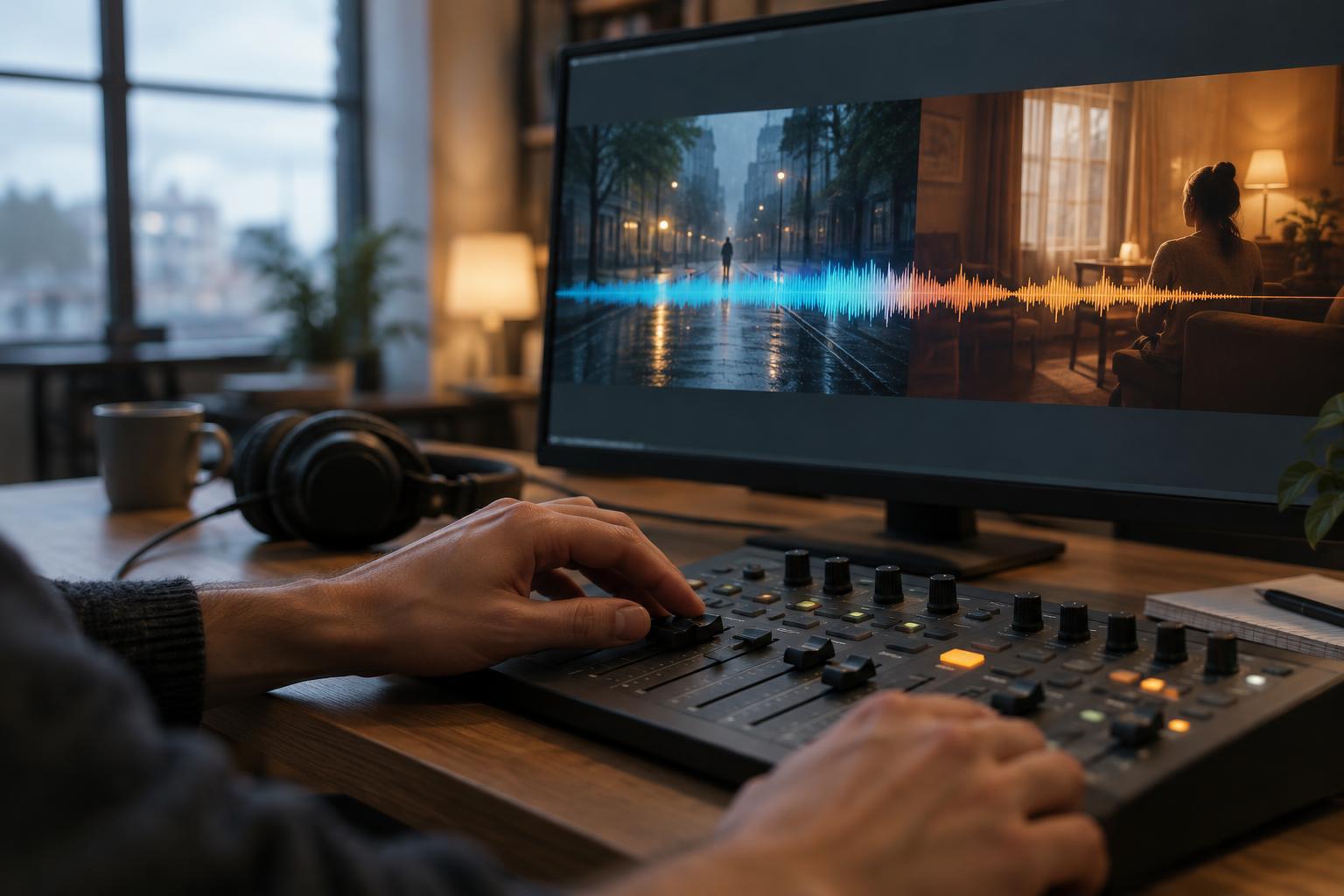
What a sound bridge does
A sound bridge carries an element of audio across a picture cut. The image changes, but a voice, effect, musical phrase, or environmental sound begins before the cut or continues after it. Rather than treating every new scene as a complete reset, the editor uses sound to shape how the audience experiences the move from one place or moment to another.
Imagine a character closing a shop at night. Before the picture leaves the shop, we hear the distant clatter of a train. The next shot reveals a station. That early sound prepares us for the new location. The reverse can work too: the shop door chime continues briefly over the station image, holding us with the character’s departure for an extra beat. Neither approach is automatically better. The choice depends on what the transition needs to emphasize.
Let the next scene arrive early
When audio from the upcoming scene starts before its picture appears, it is often called a pre-lap. A pre-lap can make a location change feel fluid because the audience has already received one clue about where the story is going. It can also build anticipation: we hear applause before we see who is being applauded, or hear an approaching engine before the vehicle enters the frame.
Choose a sound that gives the audience a useful clue without answering every question. A distinctive voice can connect two scenes through a character; a recurring machine hum might link a quiet close-up to a busy workspace. If the early sound could plausibly come from the current scene, that ambiguity may create a pleasing moment of discovery. But if clarity matters, bring the sound in close enough to the cut that viewers are not left trying to locate it for too long.
Keep a piece of the previous scene
Sometimes the most effective bridge belongs to the scene that is ending. Letting the final words of a conversation play over the first image of the next scene can give those words extra weight. A sound effect can have a similar function: a slammed door might ring out over a still exterior shot, allowing the impact to settle before the next action begins.
Be selective about how long the old sound remains. If it continues well into a new setting, viewers may assume the sound belongs there. That confusion can be useful in a deliberate reveal, but it can also distract from a straightforward scene change. Listen for the point at which the carried sound has completed its job, then make room for the new scene’s own audio.
Shape the handoff, not just the overlap
A bridge works best when its timing responds to the picture. Try starting the incoming sound at several different points: just before the cut, during a final reaction, or beneath an action that motivates the transition. Each placement changes what the audience notices first. Similarly, moving a sound’s end by even a short interval can make a cut feel abrupt, reflective, or relaxed.
Level and texture matter as much as timing. A loud incoming ambience can announce a new scene, while a quieter entrance lets the audience discover it. When two environments overlap, adjust their levels so the combined sound does not become crowded. A short fade may smooth the change, but do not assume every bridge needs one. A clean, sudden shift can be the stronger storytelling choice.
Test the transition in context
Build a simple version before adding many layers. Place one candidate sound across the cut, then watch the preceding and following shots together without stopping playback. Ask what the audience is likely to understand, where their attention goes, and whether the new scene arrives at the intended pace. If the bridge calls attention to itself without adding meaning or momentum, try a shorter overlap or remove it.
Finally, listen on ordinary speakers or headphones as well as your editing setup. A subtle sound that is clear in one listening environment may disappear in another, while a strong pre-lap may overpower dialogue. Sound bridges are not a requirement for polished editing. They are one option among silence, a hard audio cut, and a conventional fade. Use them when carrying a sound across the cut makes the story easier to follow or more engaging to experience.