Continuity is about usable choices
A scene may be filmed from several angles, with multiple takes at each angle. In the finished sequence, the editor might combine a wide shot from the morning with a close-up filmed hours later. Continuity notes help those pieces fit. They record details that could be hard to remember after the camera, actors and props have moved.
The aim is not to make every take mechanically identical. An actor may find a stronger gesture, or the director may change the blocking on purpose. The useful question is whether a change will create a distracting jump when two shots are placed together. A clear note lets the crew repeat a detail when needed and lets the editor recognize a deliberate variation.
Build a simple record before rolling
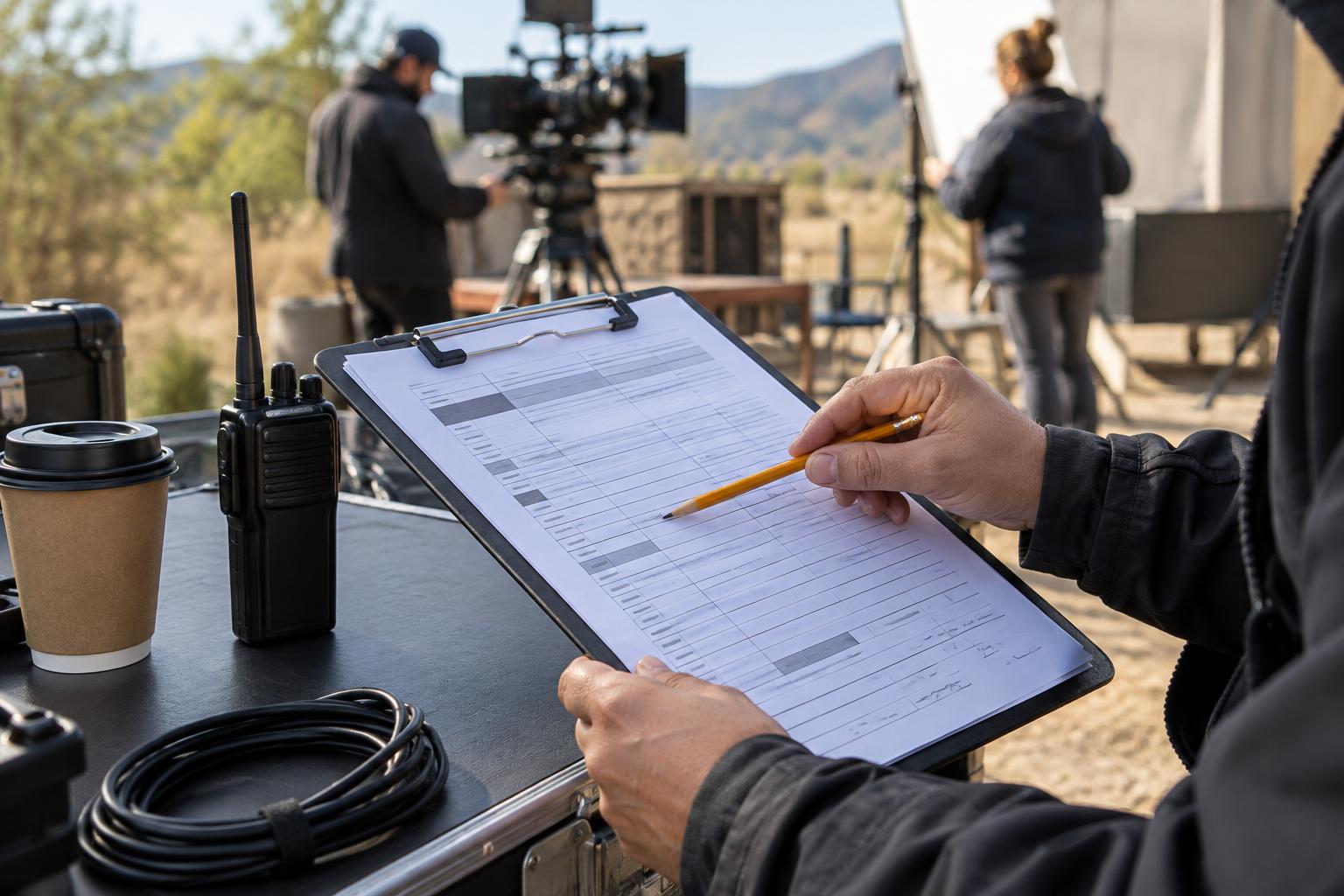
A continuity sheet can be a notebook page, a printed form or a shared document. Give each scene its own space. Record the scene identifier, location, story time, camera setup and take number in a consistent format. Leave room for brief observations rather than trying to write a transcript of everything that happens.
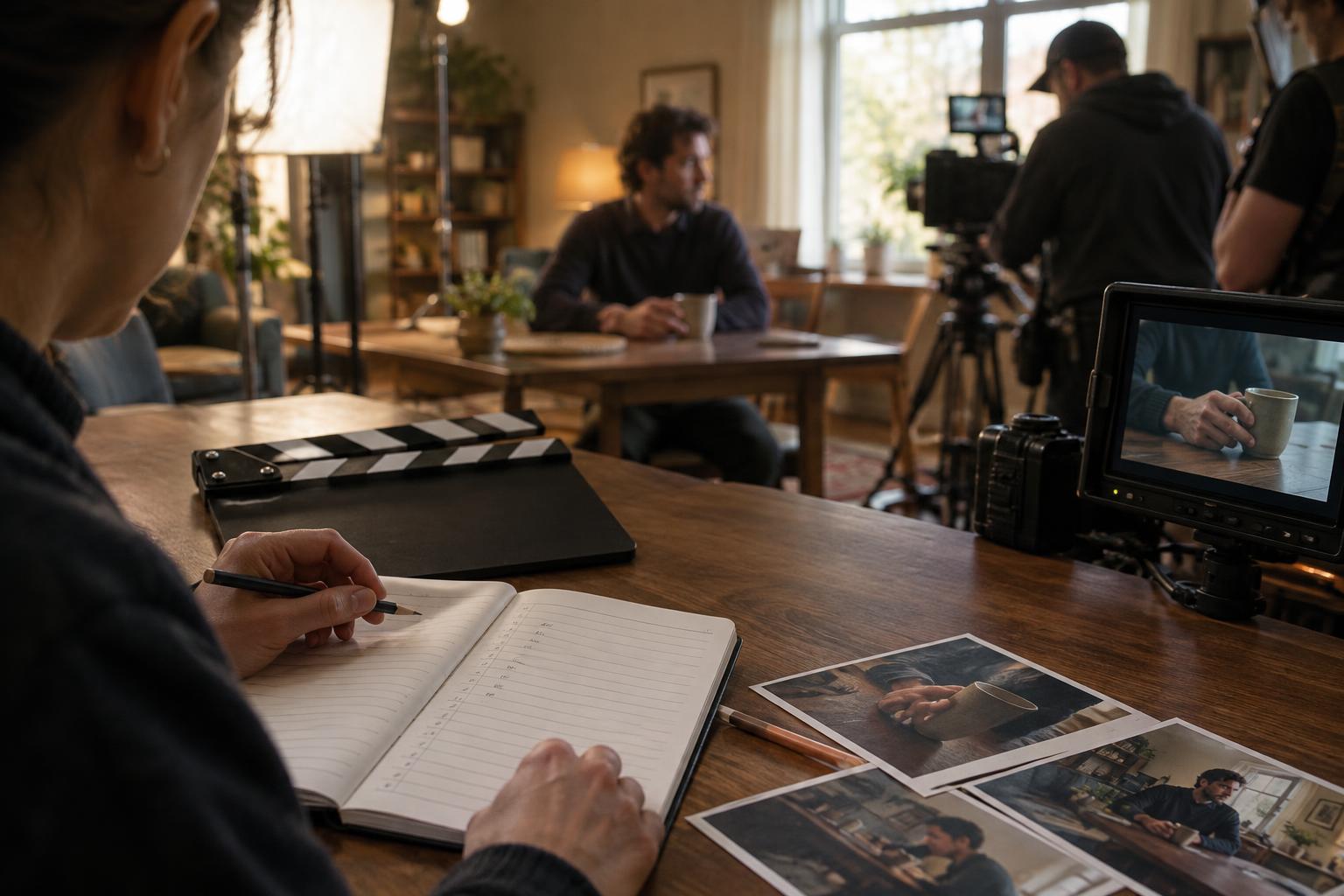
Before a setup begins, note the scene’s starting state. Where is each character? Which hand holds the cup? Is the door open or closed? What is visible on a phone screen? A quick reference photo may help with prop placement or wardrobe, but label it so it can be matched to the correct scene and setup. Check that photos do not replace written notes about movement or timing, which a still image cannot show.
Watch actions at the points where shots may join
The most valuable details often happen at an edit point. If a character sits in the wide shot but is already seated at the start of the close-up, the editor has fewer ways to connect them. Track the order of actions: a glance toward the window, a line of dialogue, a sip of water, then the cup returning to the table. Note which hand performs an action and where objects end up.
Also watch for eyelines and movement direction. If one character looks just off camera toward another, their matching angle should support that relationship. If someone exits a frame to the right, the next shot should make their route understandable. The camera team will manage framing, but a continuity note can flag when a new setup changes the apparent geography.
Not every difference deserves an interruption. Focus first on changes that are prominent, repeated across shots or important to the story. A shifted background object may matter less than a missing coat the character is meant to put on in the next scene.
Make take notes that someone else can use
For each take, write a short description of what changed. “Cup set down before final line” is more useful than “cup issue.” Record useful variations as well as possible mismatches: a pause may be longer, a line may be delivered while standing, or an action may be omitted. If the director identifies a preferred take, note that preference without assuming other takes will never be used.
Keep the notes factual and easy to scan. Separate what was filmed from what the crew plans to fix. If a sleeve was rolled up during take three and reset for take four, say so. If a prop cannot be restored exactly, tell the relevant crew member before the next setup and record the difference. A brief conversation on set is usually more helpful than a perfect note discovered after filming.
Carry continuity through the handoff
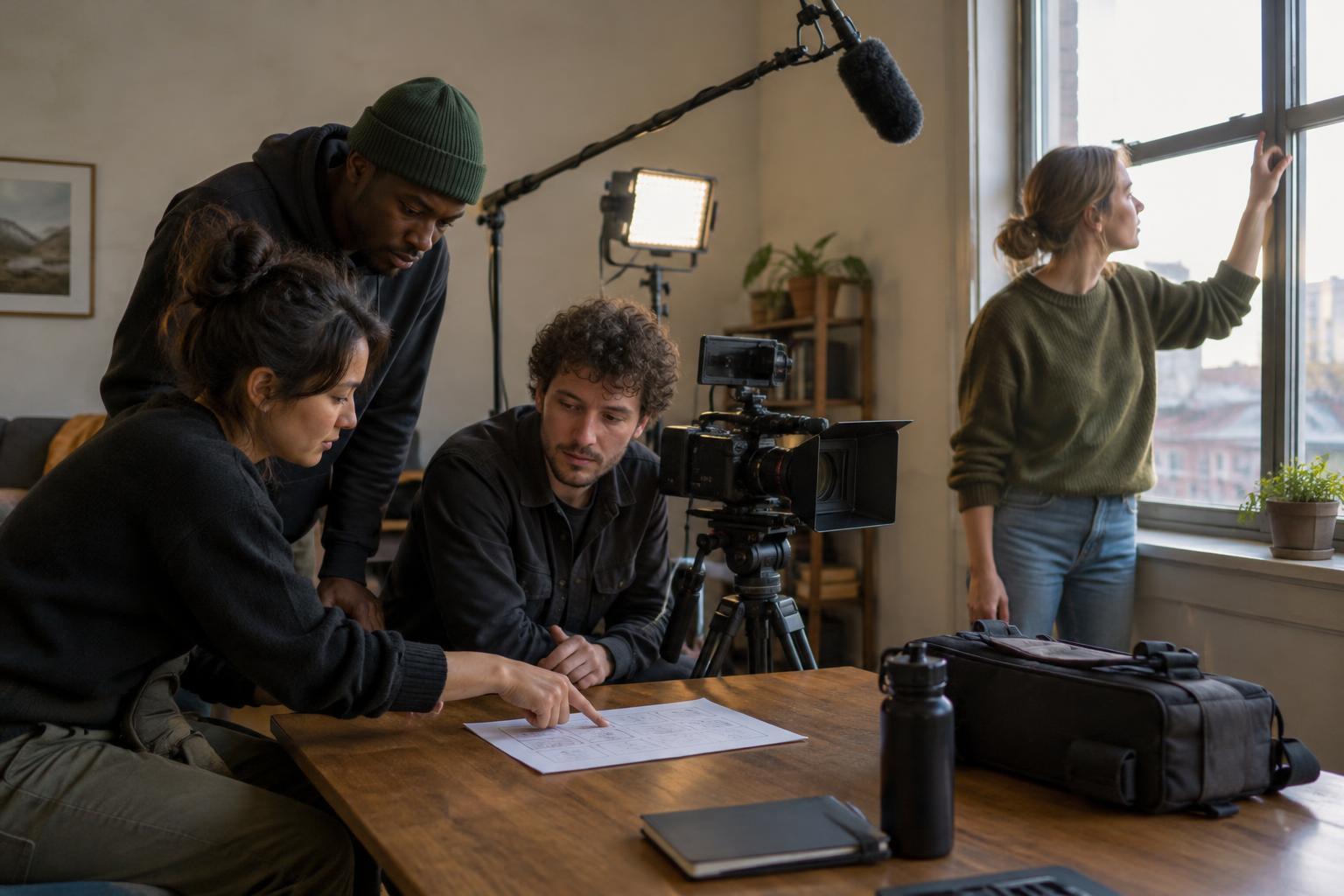
At each setup change, review the details the next angle must preserve. Confirm the starting positions, prop state, wardrobe and key action beats with the people responsible for them. This is especially helpful after a break, when a scene is picked up on another day, or when coverage is shot out of story order.
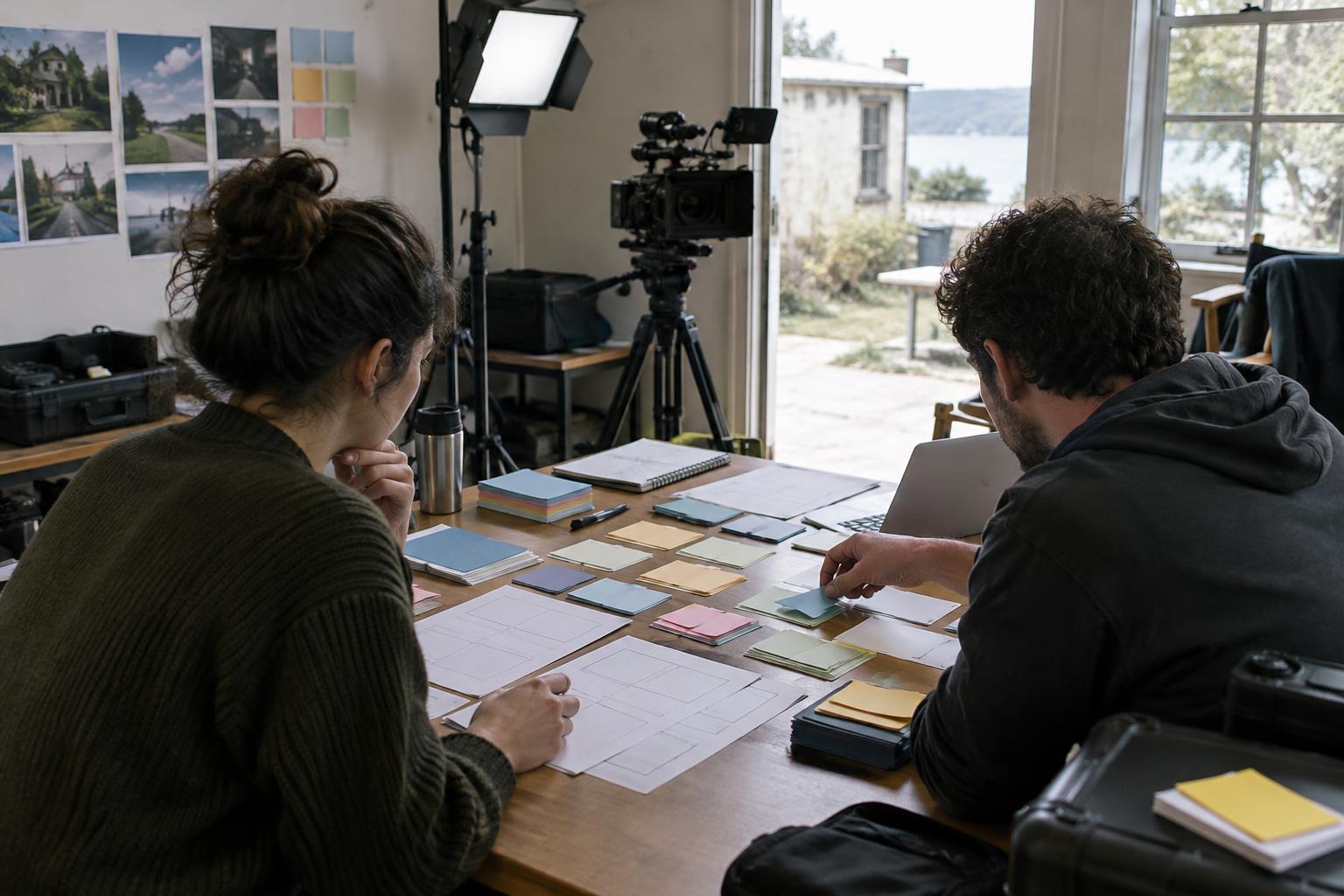
At the end of the day, organize notes by scene and setup so the editor can connect them to the footage. Flag intentional changes and takes with potential matching problems. On a small production, one person may handle this alongside other duties; the method can stay modest. Legible identifiers, a few precise observations and a reliable handoff do more for continuity than pages of notes no one can navigate.