What a match on action does
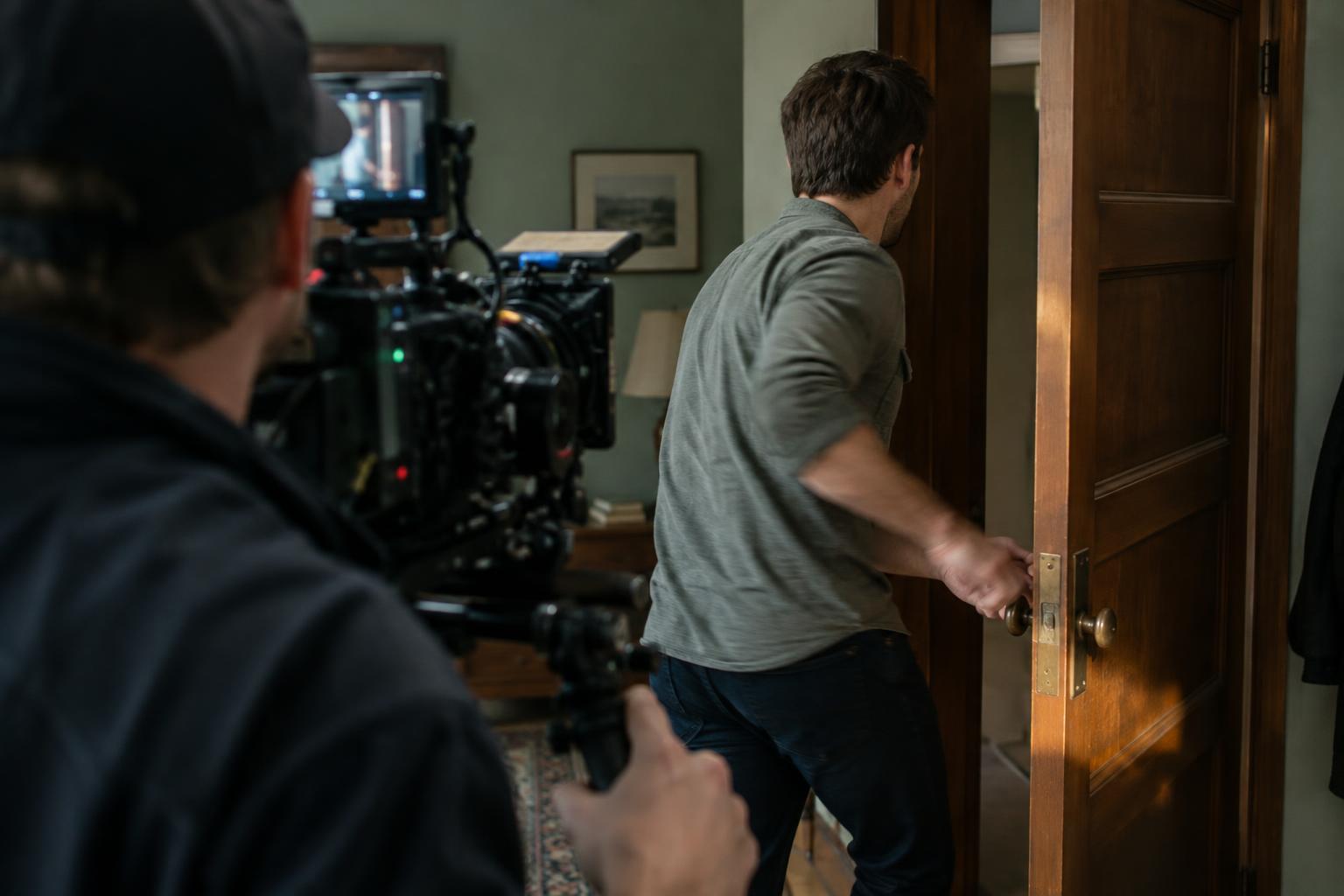
A match on action joins two views of the same movement. A character reaches for a door handle in a wide shot; the cut takes us to a close-up as the hand closes around it. Because the action continues across the edit, the viewer can follow what is happening while the camera position changes. The cut may still be noticeable, but it is less likely to feel like an interruption.
The technique is useful when a scene needs both context and detail. A wide shot can establish where a person is going, while a tighter shot shows the effort of turning a stubborn key or the hesitation before opening a letter. The movement gives the editor a natural bridge between those views. It also gives each new angle a purpose: the second shot should add information or change our relationship to the action, not merely repeat it.
Plan the movement before you shoot
Start by identifying the action that will carry the cut: standing up, crossing a doorway, picking up an object or turning toward a sound. Decide what the audience needs to see before and after that moment. Then shoot enough of the action in both setups. If one angle ends the instant the hand touches the handle and the next begins after the door is open, the editor has little room to find a convincing join.
Ask performers to repeat the movement with a few stable landmarks. Which hand holds the object? Where does it start? Does the character pause before turning, or move in one continuous motion? Exact repetition is not always necessary, but a change in hand, direction or pace can draw attention to the cut. A simple note or reference frame for each setup can help a small crew keep these details consistent without making the performance rigid.
Keep screen direction in mind as well. If a person moves left to right in one shot and suddenly appears to move right to left in the next, the viewer may read the cut as a change of direction. That reversal can be intentional, but when the goal is smooth continuity, check the camera positions and the performer’s path before moving on.
Find the cut inside the action
In the edit, place both shots on the timeline and locate the same phase of movement in each. A useful starting point is to cut once the action is clearly underway: as a body rises from a chair, a hand travels toward an object or a door begins to swing. Motion gives the eye something to follow across the change of angle. Try the cut a few frames earlier and later, then watch at normal speed rather than judging only from still frames.
Look for the feeling of one continuous action, not a perfect match between two individual images. If the first shot shows a hand halfway through a reach, the second should not restart that reach. Nor should it skip so far ahead that an essential beat disappears. Small mismatches may pass unnoticed when the rhythm and intention are clear; a repeated or missing gesture often feels more disruptive.
The best cut point also depends on what the new shot reveals. Cutting to a close-up just before contact can build anticipation. Cutting at the moment of contact can emphasize the result. Hold each version long enough to see how it plays with the surrounding scene. A technically tidy match is not automatically the most expressive choice.
Use sound to support the transition
Sound can make the action feel continuous even when the images come from different takes. A steady room tone helps avoid an audible gap at the edit. A door creak, footstep or rustle of clothing can carry through the cut, provided it follows the movement we see. If a sound occurs twice because it was recorded in both clips, remove or adjust one instance so the action does not seem to repeat.
Listen without watching the screen for a pass. Sudden changes in background noise or microphone perspective can expose a cut that looks smooth. Sometimes the shift is appropriate: a close-up may invite a more intimate sound. The aim is not to make every shot sound identical, but to ensure that changes serve the scene rather than accidentally breaking its flow.
When the match does not work
If the takes do not line up, first test another cut point. A tighter trim may remove a repeated beat; a slightly longer hold may clarify the action before the angle changes. You can also cut to a relevant reaction or insert and return after the difficult movement has finished. These choices work best when the added shot contributes to the scene rather than acting as an obvious patch.
Finally, remember that continuity is a tool, not a rule. An abrupt cut may better express confusion, urgency or a character’s change of mind. A match on action earns its place when it helps the viewer stay oriented while the scene moves forward. Plan for it on set, refine it by feel in the edit, and let the story decide how invisible the cut needs to be.