Start with one home for the project
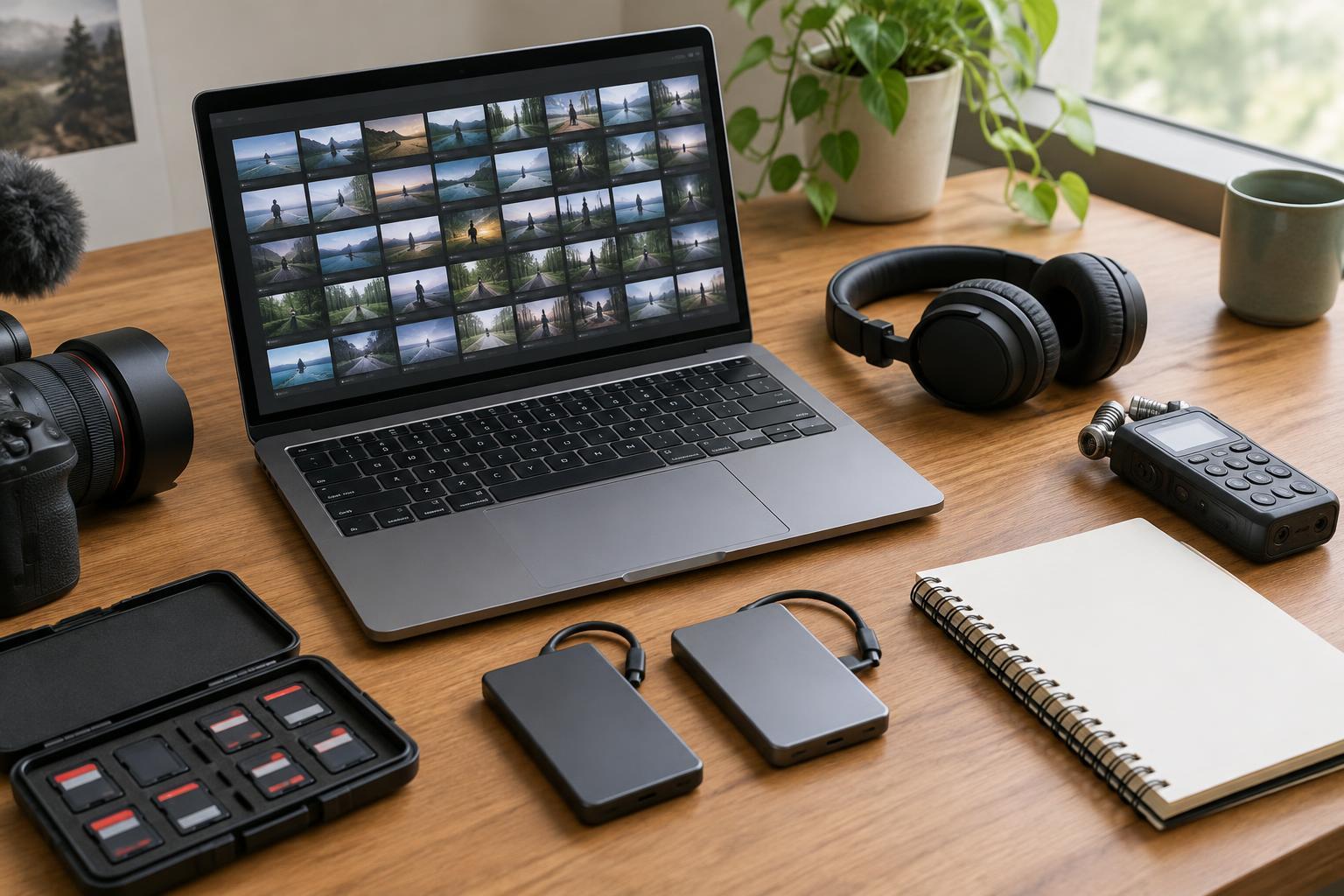
Before importing a clip, create a main folder named for the project. Inside it, make separate folders for original camera media, production audio, graphics and other assets, editing project files, exports, and notes. If the shoot spans several days or cameras, add subfolders that reflect those divisions. The goal is not a perfect filing system; it is to make the location and purpose of each file obvious to someone opening the project later.
Keep original media separate from files the edit will generate, such as proxies, render files and finished exports. Avoid scattering assets across a desktop, downloads folder and several drives just because they were received at different times. A short text note in the main folder can record which drive holds the working copy, what material has arrived and what is still missing.
Copy media before you rearrange it
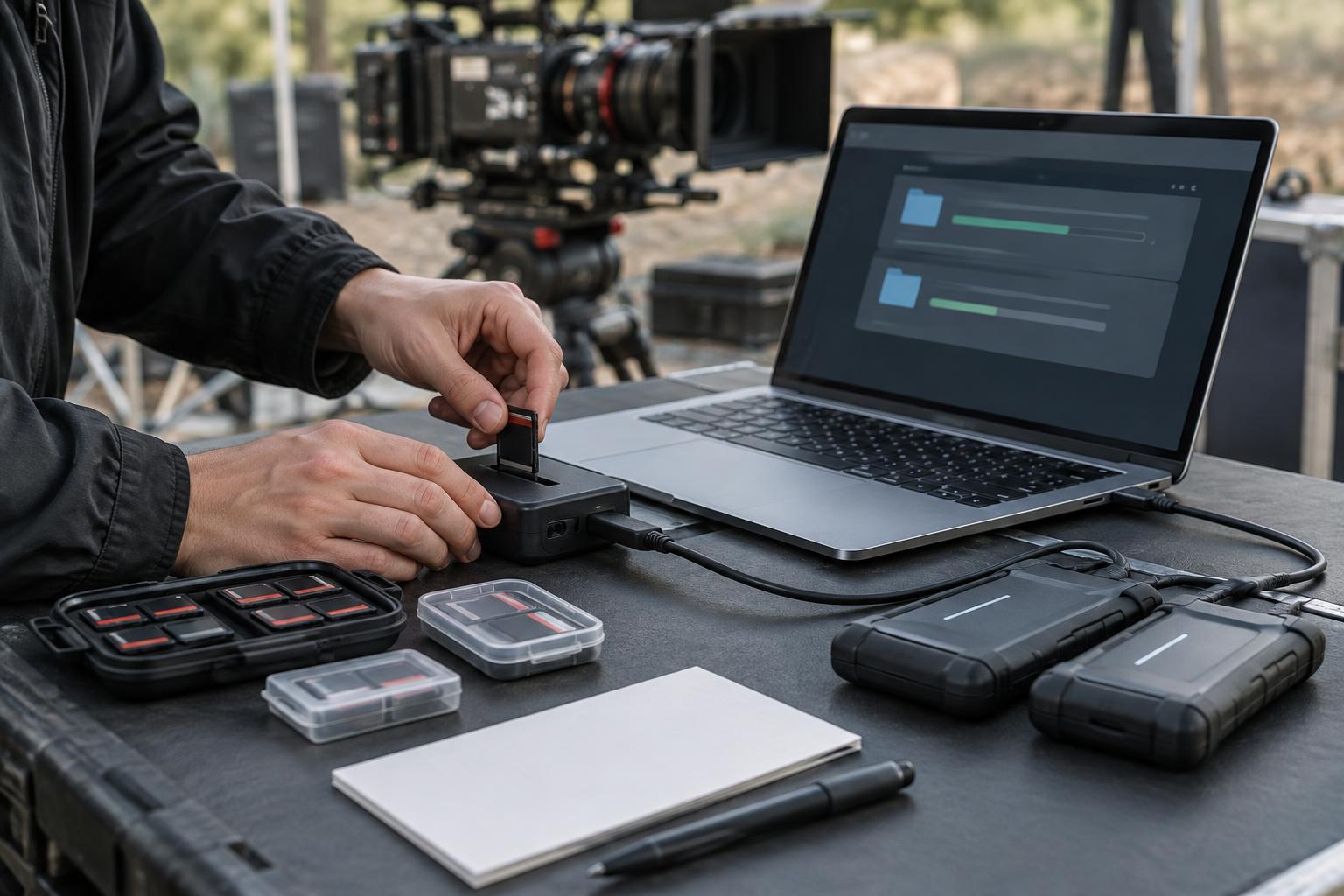
Treat camera cards and sound recorder folders as originals, not as spare storage. Copy their contents into the project before editing, preserving each card’s internal folder structure. Cameras may rely on supporting files alongside the visible video clips, so pulling out only the files that appear playable can create problems later. Give each copied card a distinct folder name, such as a shoot day and camera label, rather than merging several cards into one directory.
Check that the copy completed before clearing any card. At a minimum, compare folder contents and sizes, then open a selection of clips from the copied location. If your transfer software can verify copies, use that feature. Keep another copy of irreplaceable media on a separate drive or storage location when possible. A working drive is convenient, but it should not be the only place a shoot exists.
Choose names that stay useful
Folder names should answer practical questions: what is this, where did it come from and which version is it? Consistent labels such as Day_01, Camera_A and Audio_Recorder_01 are easier to scan than a mixture of nicknames and vague folders called New or Misc. Use a date in a name when it helps distinguish shoot days, but do not depend on a date alone to describe the contents.
Be cautious about renaming original camera or audio files after copying them. Their existing names may help connect footage to sound reports, camera notes or later relinking. Organize those files with enclosing folders instead. For files you create yourself, such as project files and exports, use a consistent pattern that includes the project name and a clear version label. Replace Final_final with something you can identify without opening it.
Prepare the edit without hiding the originals
Once the media is secure, gather the materials an editor will need to understand it. Put scripts, shot lists, continuity notes, music supplied for consideration and graphics references in clearly labeled folders. Make a simple inventory if the footage is complex: note which shoot days, cameras and audio sources are present, along with anything expected but not yet delivered. This can prevent a missing card or recorder folder from being discovered halfway through an edit.
If your computer struggles with the camera files, consider creating proxies: smaller editing copies linked to the originals. Store them in their own folder and let the editing software manage the connection where possible. Similarly, organize separately recorded sound so it can be synchronized without guesswork. Do not discard or overwrite source footage after making proxies or synced working files; those derivatives serve the edit, while the originals remain the reference.
Set up a project you can reopen
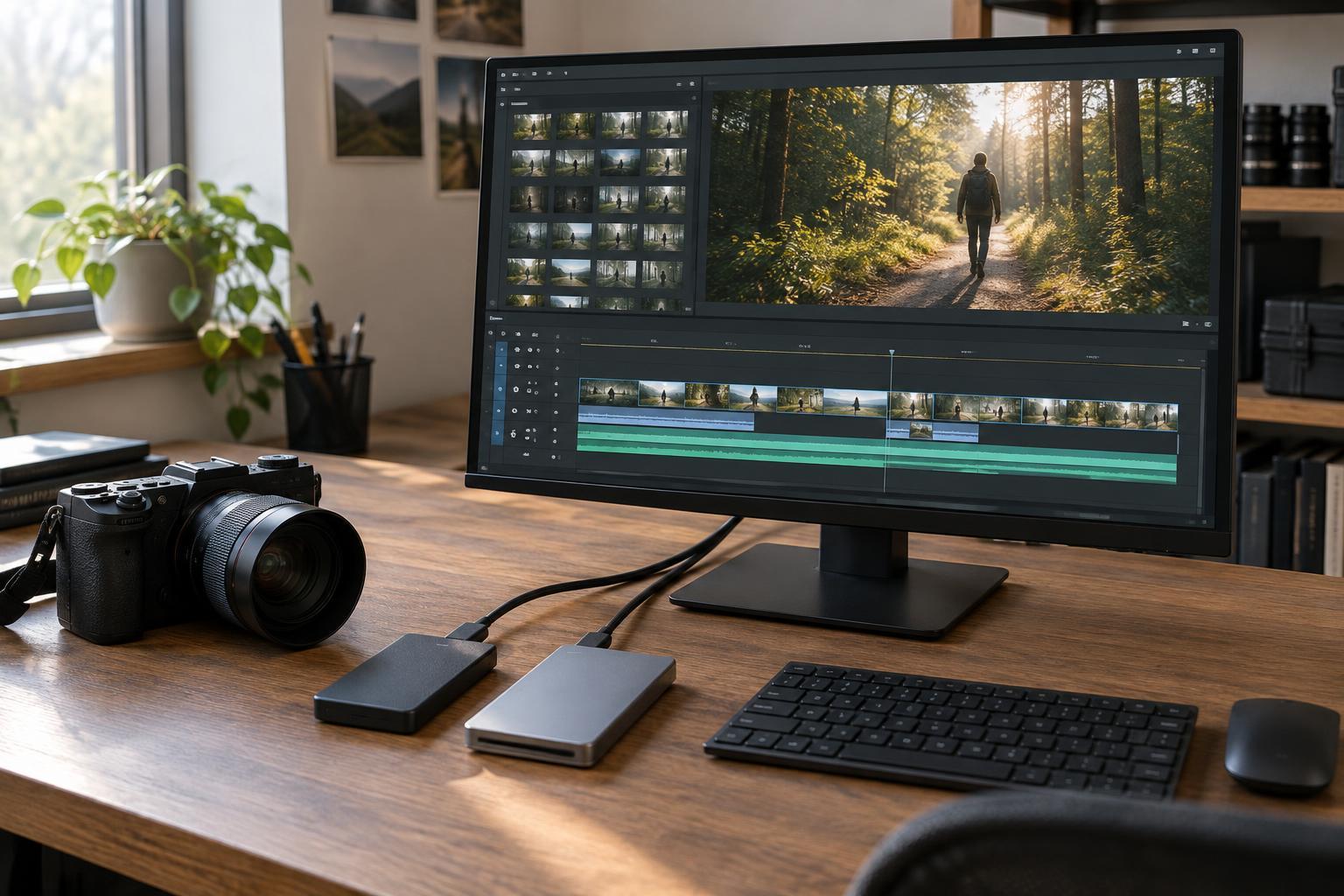
Create the editing project file in its designated folder, then import from the organized media folders rather than from a temporary location. Inside the editing software, mirror the broad structure of the material with bins for footage, audio, graphics, sequences and exports. These bins are useful for browsing, but they do not replace organization on the drive: a tidy timeline cannot repair missing source files.
Save new project versions at meaningful milestones, such as the first assembly or the start of a major revision, while also using the software’s automatic backups if available. Before handing the project to someone else or moving it to another computer, check that clips still link to the intended media locations and that any required proxies, fonts or graphics are accounted for. A good pre-edit setup is one you can explain briefly—and reopen without a search.