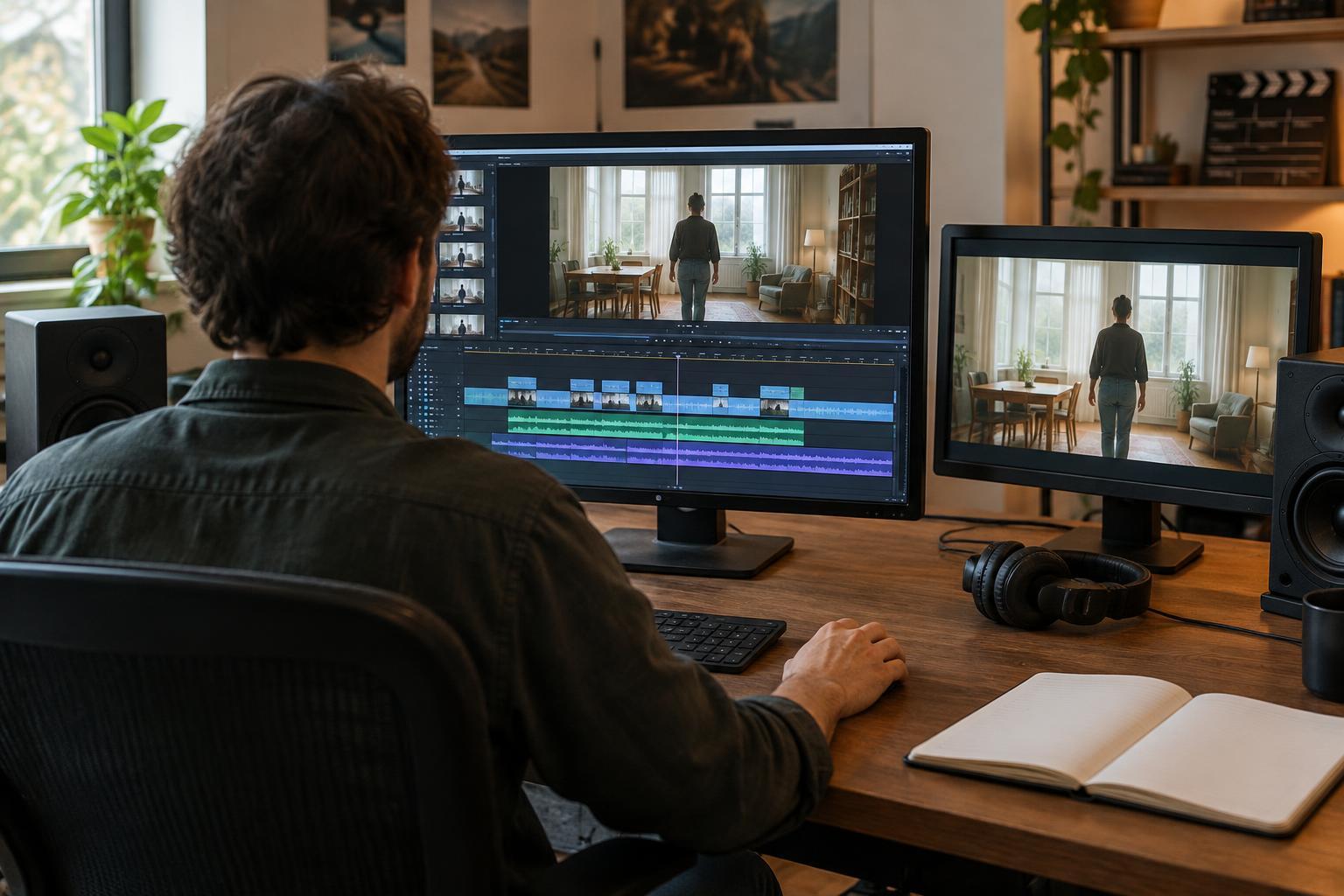
Start with the story question
A transition is the point where one image gives way to another. It can feel nearly invisible, invite the viewer to linger, or announce that a chapter has ended. Before choosing one, ask what the audience needs to understand at that moment. Are the shots part of the same action? Has time passed? Should the next image arrive as a surprise or feel like a gradual change?
The straight cut, dissolve, and fade each suggest a different relationship between shots, but none has a fixed meaning. Context matters: the images, sound, performance, and rhythm around a transition all influence how it reads. A useful starting rule is to try the simplest transition first, then change it only when the change helps the scene.
Use a straight cut to keep events moving
A straight cut replaces one shot with the next immediately. It is well suited to continuous action, dialogue, and changes in viewpoint within a scene. A cut from a character reaching for a door to a closer shot of the handle can direct attention without pausing the action. A cut to a listener’s face can reveal the effect of a line of dialogue at precisely the right moment.
Cuts can also move sharply across time or place. To make that jump legible, give viewers a clue in the new shot: a different location, a changed costume, or an action that clearly happens later. When a cut feels confusing, the problem may not be the absence of a dissolve. The shots may lack a clear visual or narrative connection.
For a smoother cut, consider where the viewer is looking. Matching an action across shots can make the movement feel continuous, while cutting on a meaningful gesture can give the edit a natural point of emphasis. Not every cut should disappear, though. An abrupt cut can be the right choice when the story calls for a jolt or a brisk change of direction.
Use a dissolve to connect rather than interrupt
In a dissolve, one image gradually gives way to another as they briefly overlap. That overlap can suggest a gentle passage of time, link related places, or invite comparison between two images. A shot of an empty rehearsal room dissolving into the same room full of people, for example, can carry viewers across a change without treating it as a sudden reveal.
A dissolve is not automatically a sign that time has passed. Its meaning depends on the shots around it, and a clear cut can convey elapsed time just as well. The dissolve is most useful when the gradual handoff itself adds something: a sense of memory, continuity, or reflection. Watch the overlap closely while editing. Faces, bright shapes, or strong lines may combine in distracting ways that weaken an otherwise good idea.
Duration changes the effect. A short dissolve may soften a transition while preserving momentum; a longer one gives both images more time to coexist. If the scene needs urgency or a precise reaction, that lingering quality may work against it.
Use a fade to create a boundary
A fade moves between an image and a solid screen, often black. Fading out can give a scene a sense of closure; fading in can offer a deliberate entrance into a new place or moment. Paired together, they create a more pronounced break than a typical cut or dissolve. This can suit the end of a sequence, a substantial shift in time, or a pause the audience should feel.
Because a fade creates a boundary, using one between every scene can make a film feel repeatedly stopped and restarted. Consider whether the story truly needs that pause. A direct cut may carry energy into the next scene, while a fade may allow the previous one to settle. A fade also needs enough screen time to register, but its exact length should follow the rhythm of the surrounding sequence.
Test the transition in context
When editing, place the two shots next to each other with a straight cut first. Watch for what you understand and what you feel. Then try a dissolve or fade only if you want to alter that experience. Compare the versions at normal playback speed rather than judging a single frame or a timeline thumbnail. Pay attention to whether the transition clarifies the change or draws attention away from it.
Listen as well as look. Sound can prepare viewers for the next scene before its image appears, or continue from the previous scene after the picture changes. This can make a straight cut feel connected without adding a visual effect. Conversely, letting sound fall away during a fade can strengthen a sense of ending.
The best choice is the one that serves the moment, not the one that looks most elaborate. If viewers can follow the shift and feel its intended pace, the transition is doing its job.