What dynamic range means on set
Dynamic range is the span of brightness a camera can record with usable detail in a single exposure. When a scene exceeds that span, bright areas may turn into featureless white, while dark areas may lose texture or become noisy when brightened later. A camera does not need to preserve every detail for an image to work. The useful question is which details help tell the story.
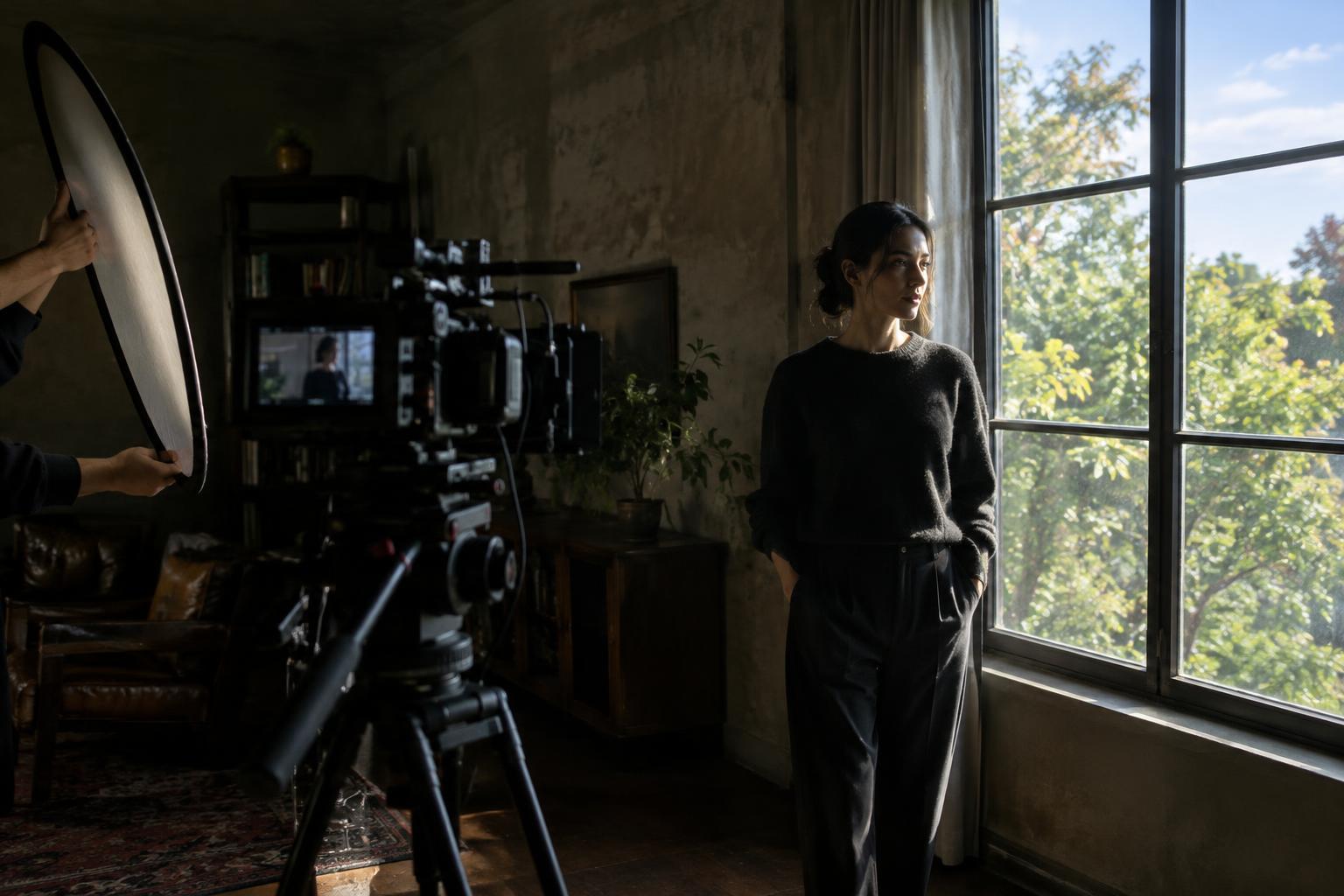
Consider a person standing beside a bright window. Exposing for their face may turn the view outside white; exposing for the view may leave the face dark. Neither choice is automatically wrong. A clear exterior might establish a location, while a shadowed face might create mystery. Decide what the audience should notice before trying to make every part of the frame equally visible.
Find the exposure limits before the take
Start by looking for the brightest area that needs texture and the darkest area that needs readable detail. A white shirt, a cloud, or a practical lamp shade may be more important to protect than a tiny reflection on glass. Likewise, a face may need to remain legible even if a corner of the room falls to black. Not every clipped highlight or deep shadow is a problem.
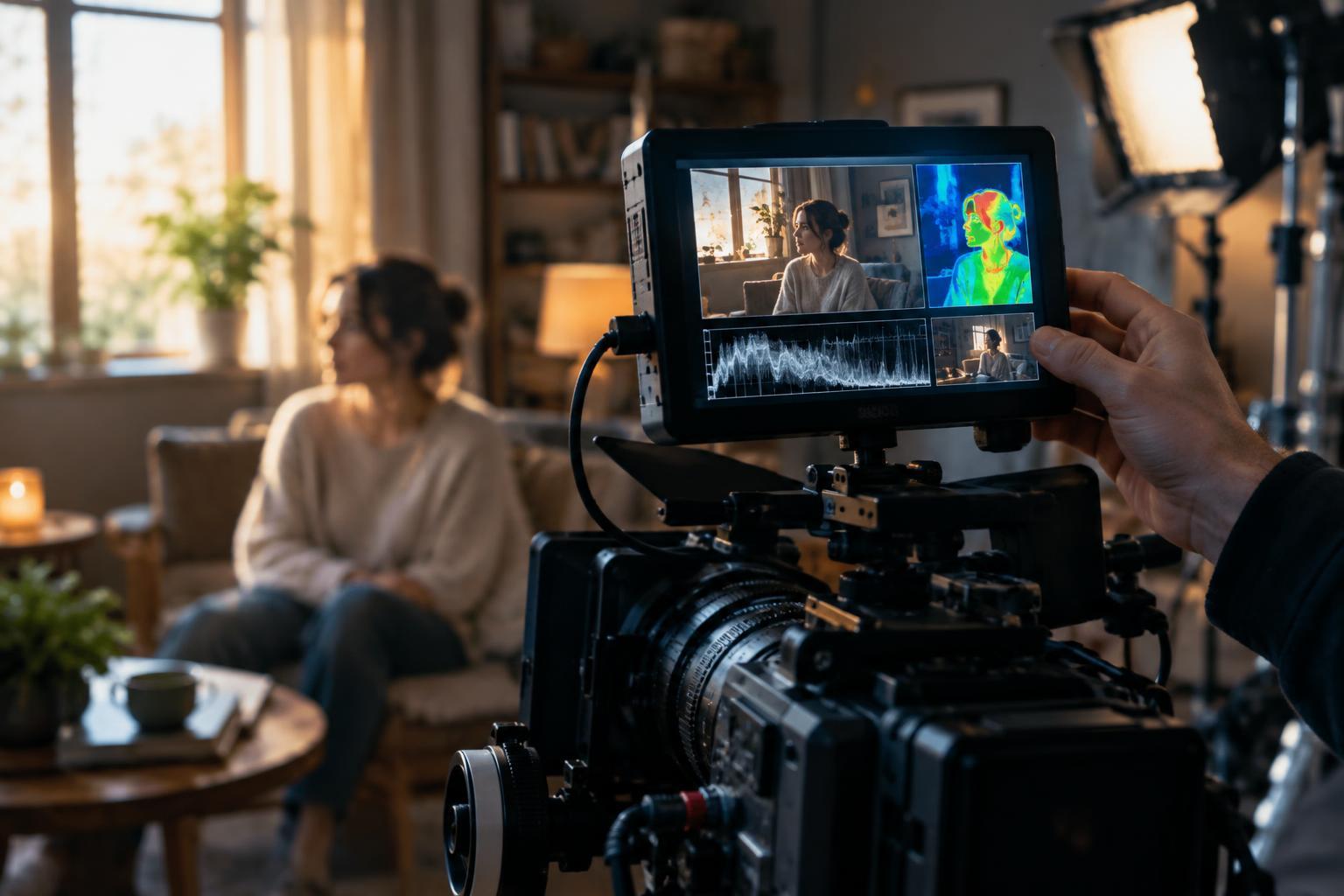
Use the monitoring tools your camera provides. A waveform can show where bright and dark parts of the image sit relative to the recording limits. Zebras can warn when chosen brightness levels are reached, though their meaning depends on how they are set. False color, if available, can make exposure differences easier to see across a frame. Learn what these tools indicate for your camera and recording mode rather than relying on the monitor image alone.
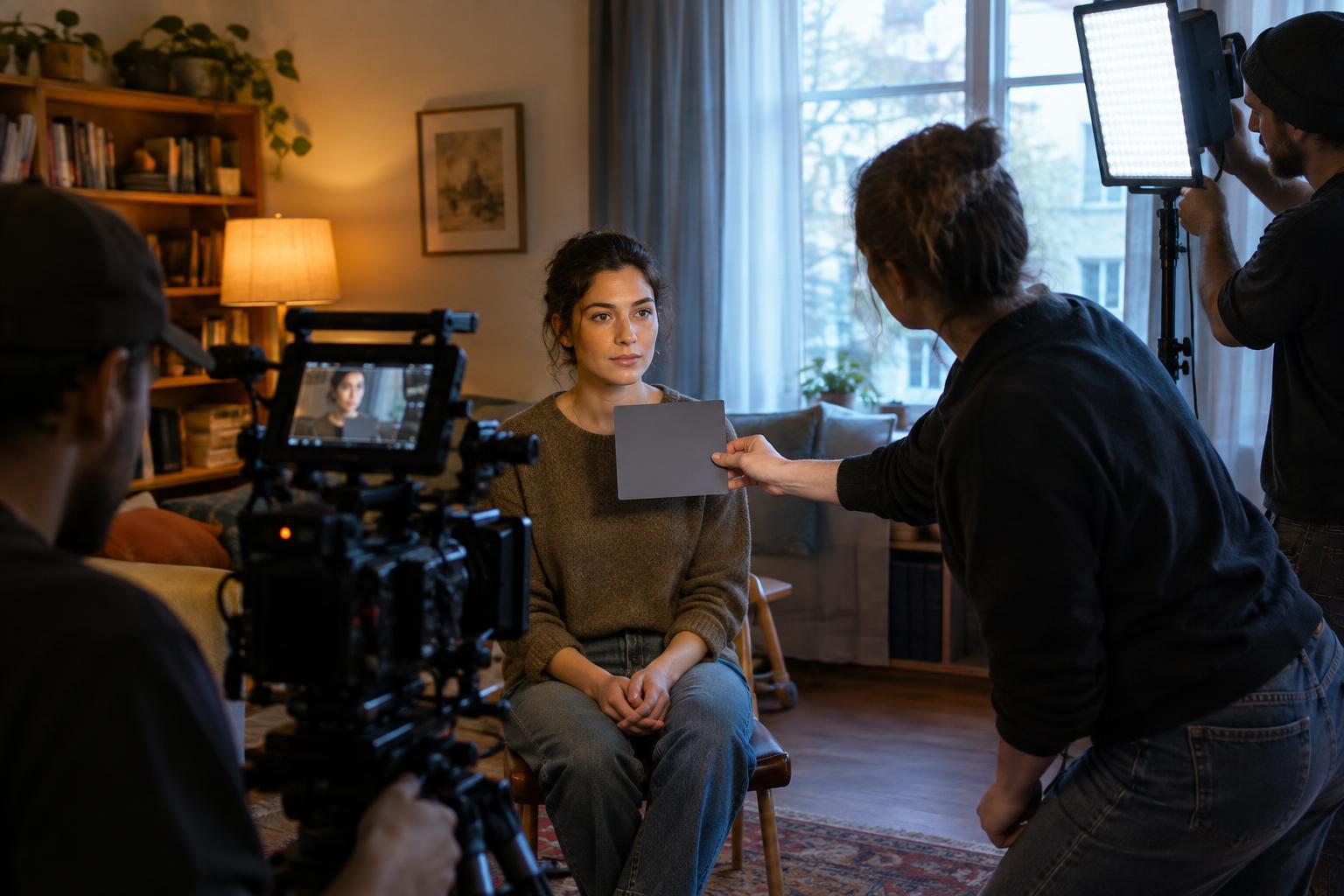
Record a short test when the scene allows it. Check the shot on a dependable display, especially if you plan to lift shadows or recover bright areas in editing. A preview may look forgiving while the recorded image has little detail left to adjust.
Expose for what cannot be recovered
If an important highlight has become a flat white shape in the recording, darkening it in post-production will not restore its texture. Protect those highlights by reducing exposure until they retain the detail you need. Then inspect the shadows: if they become too dark or noisy for the scene, solve the contrast problem on set rather than assuming editing will fix it.
The right exposure depends on the shot and the camera’s recording settings. A log profile may hold tonal information differently from a standard-looking profile, but it still has limits and usually needs an appropriate viewing transform for judging the image. Raising ISO is not a universal way to gain dynamic range; its effects vary by camera and mode. Test unfamiliar settings before using them for a scene you cannot repeat.
Exposure tools affect the whole image in different ways. An ND filter reduces light reaching the sensor without requiring a narrower aperture or faster shutter, which can help preserve a chosen depth of field and motion rendering in bright conditions. It will not, however, reduce the brightness gap between a window and a face. To change that gap, change the light in the scene.
Bring the scene within range
When a subject is too dark against a bright background, add light to the subject or reduce the background’s brightness. A bounced light, a soft fixture, or a shift toward existing daylight may lift a face without making it look unnaturally bright. Curtains, diffusion, or a different camera angle may make a window less dominant. Even moving a subject a short distance can change the balance.
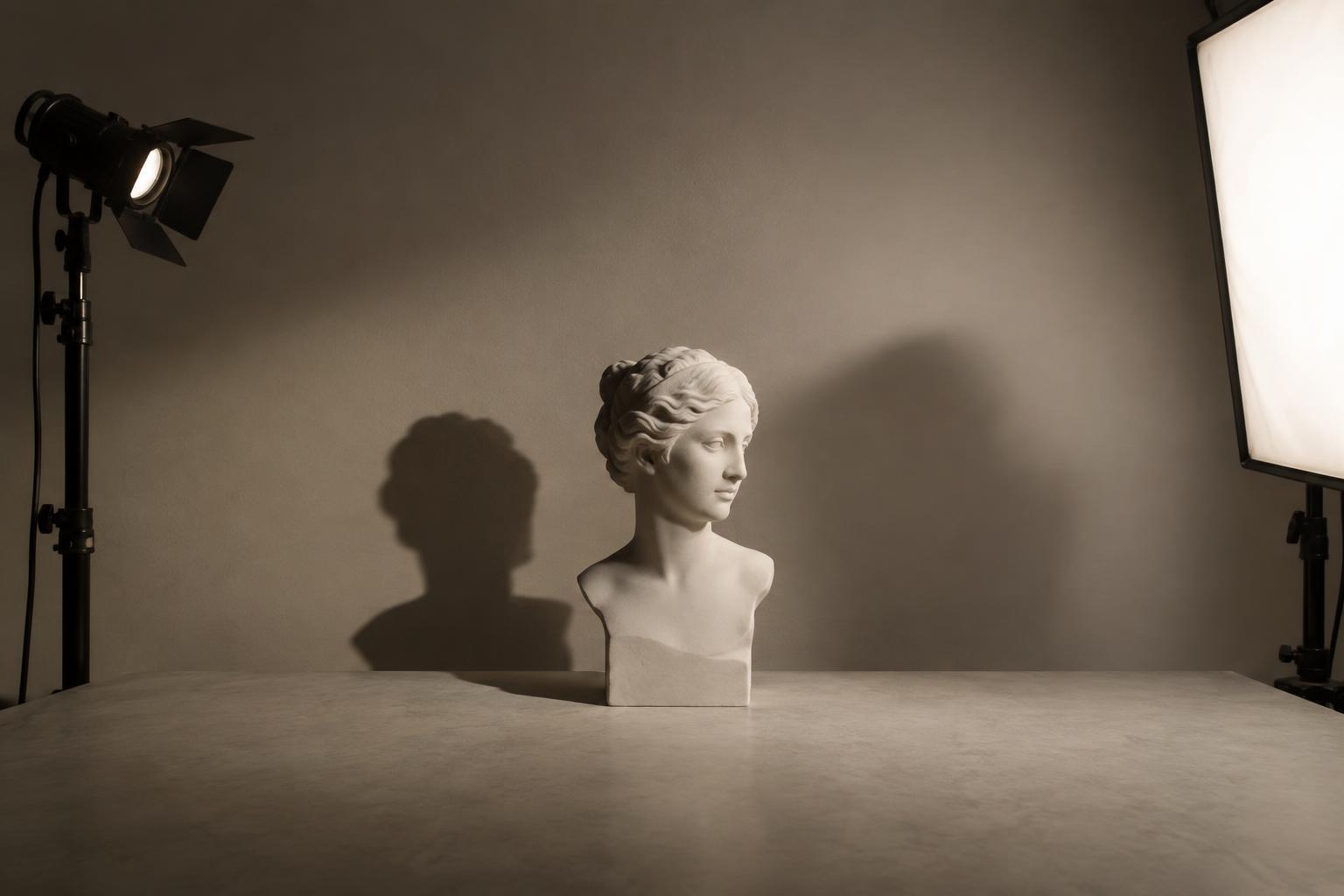
You can also choose to deepen shadows deliberately. Removing unwanted fill with a dark surface may give a face more shape and keep attention away from an unimportant background. The goal is not to flatten every contrast difference. It is to control contrast so that essential textures survive and the image retains the mood you want.
Make a consistent choice across the scene
A single well-exposed frame may still cut awkwardly with the next one. As you move between wide shots and close-ups, watch whether faces, windows, and practical lights change brightness for no story reason. Match the intended feel, not just a meter reading: a close-up can be darker than a wide shot if the change is deliberate, but accidental shifts distract from the action.
Before each setup, identify the highlight you want to keep, the shadow you can let go, and the subject the viewer must read. Check those choices with your exposure tools, then look at the frame as an image rather than a technical exercise. Protecting highlights and shadows is ultimately about deciding where detail serves the story—and where its absence serves it better.