Start with the voice, then check the frame
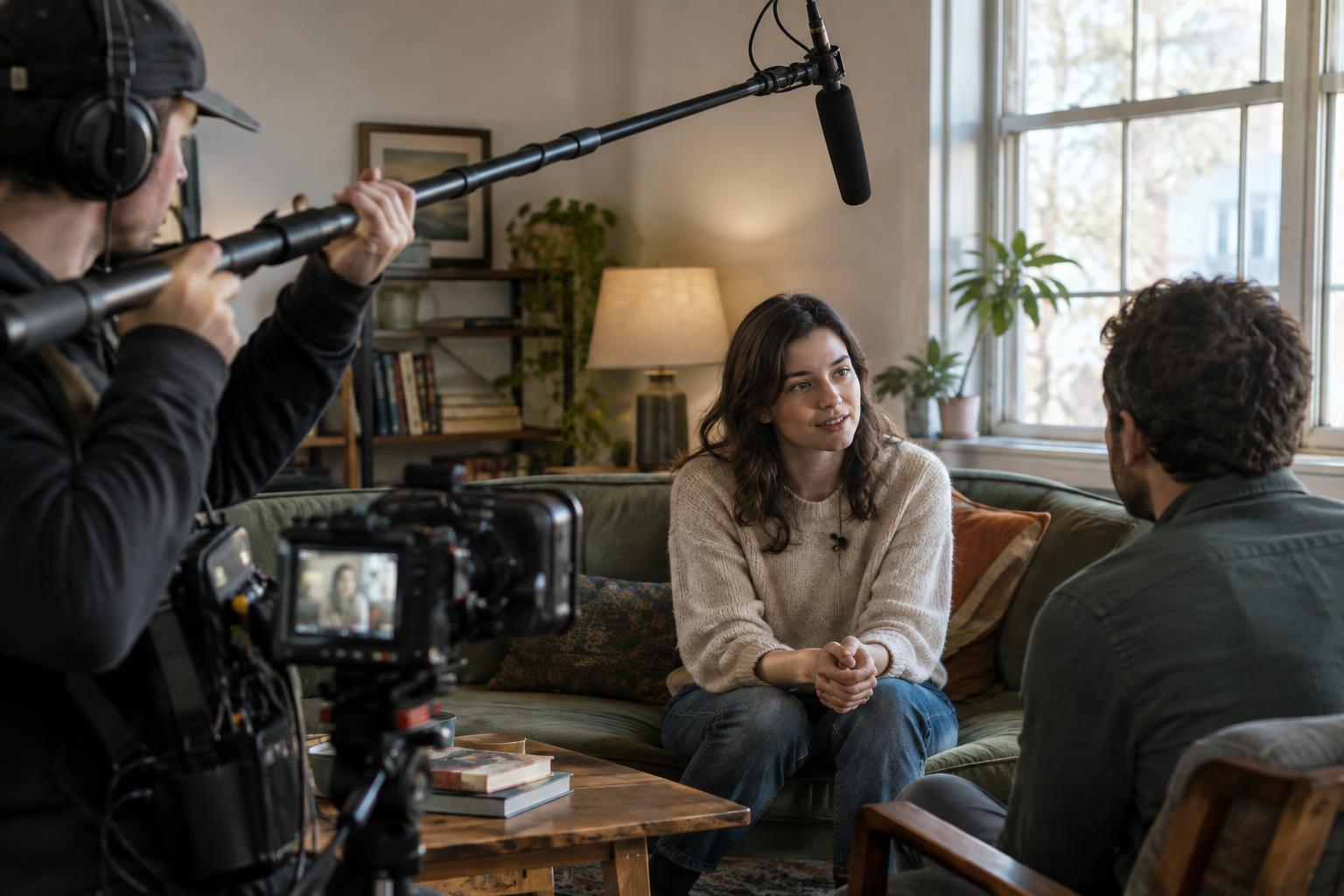
The central challenge of booming is simple: the microphone should be close enough to capture intelligible dialogue, but not so close that it appears in the shot. Distance matters because a distant mic picks up more of the room, traffic, ventilation and other sounds along with the voice. Moving closer often improves clarity more than changing equipment.
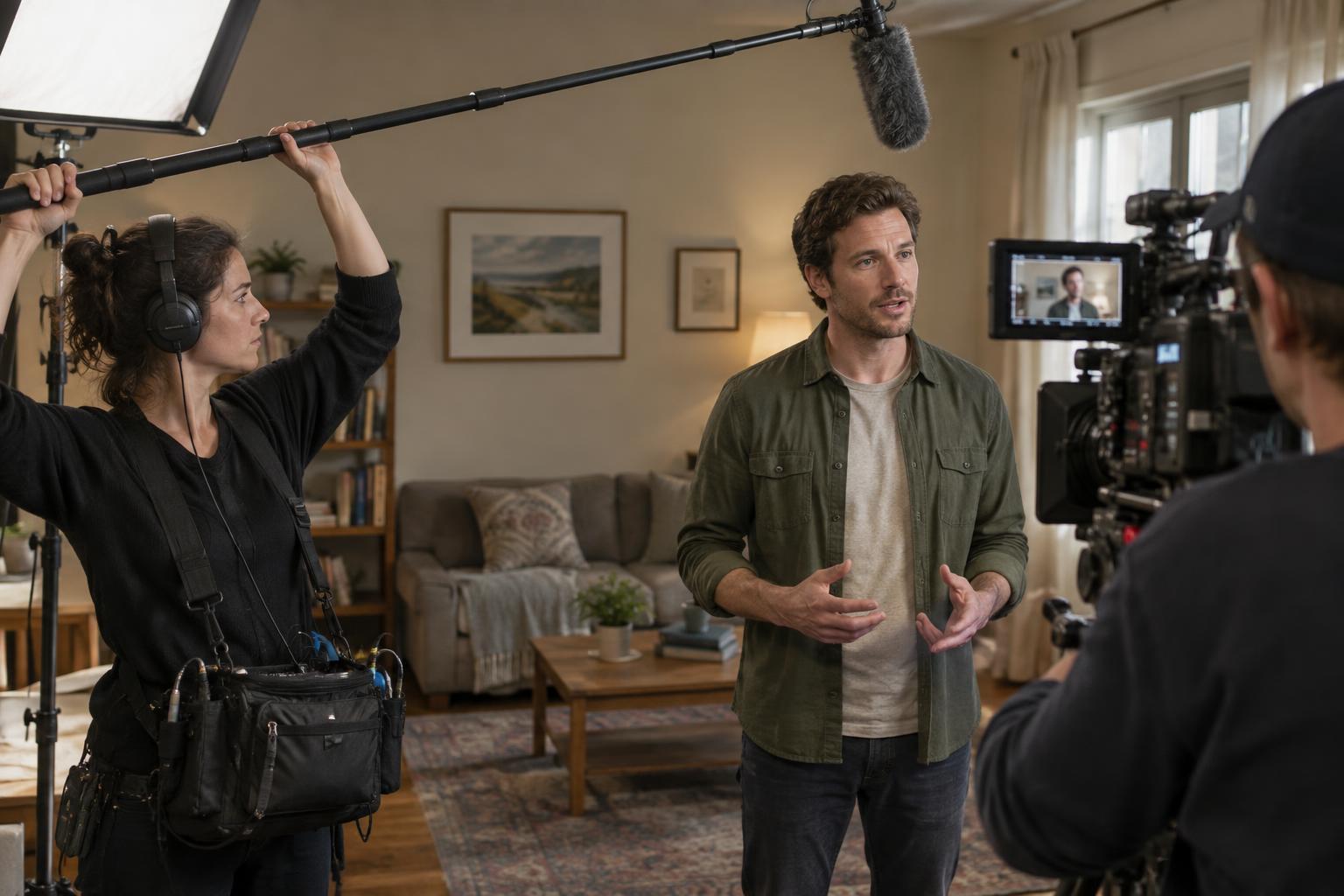
A useful starting position is just above the performer, slightly in front, with the microphone aimed toward the mouth or upper chest. Keep the microphone outside the camera’s recorded area, not merely outside what looks visible on a small monitor. The closest workable position depends on the lens, camera angle, headroom and how much the performer moves. Before recording, ask the camera operator to show the full frame and agree on how much clearance the boom needs.
Choose the angle that sounds best
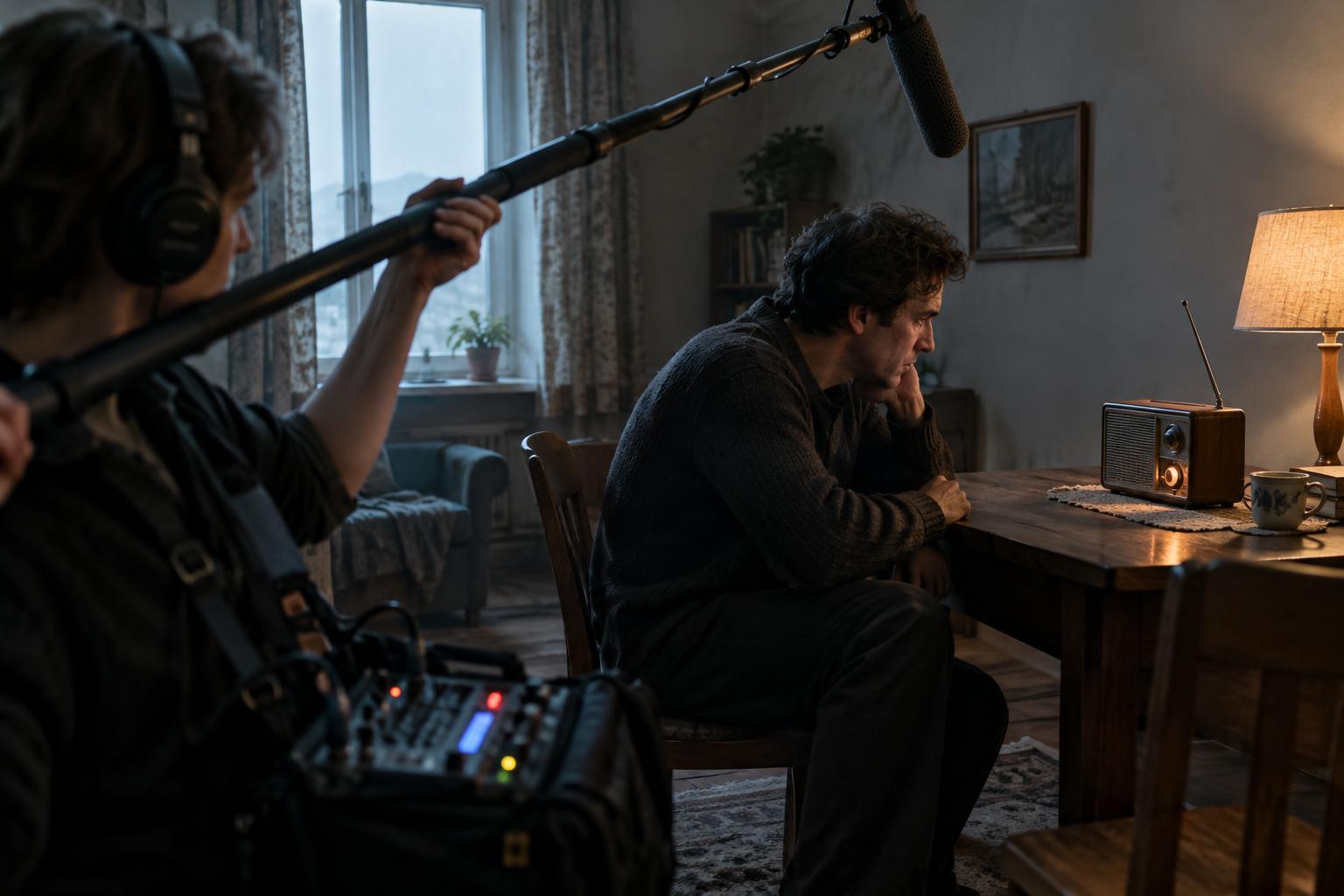
Booming from above is common, but it is not a rule. A low camera angle may leave little room overhead, while a hat brim or an upward-facing voice may change how the mic hears the performance. In those cases, positioning the boom below the frame can work better. Listen for clothing rustle, footsteps and other sounds that may become more prominent when the mic is low.
Pointing a microphone in the performer’s general direction is not always enough. Many directional microphones sound different when a voice moves off-axis. If the actor turns away, the dialogue may become duller or less consistent. Rehearse the action while monitoring through headphones, and make small adjustments to the mic’s aim rather than assuming one fixed position will cover every line.
Plan for movement before the take
For a static close-up, the boom may barely need to move. A walking scene or a conversation across a room requires a path. Watch a rehearsal and identify where each line is delivered, where actors turn, and where the camera travels. Mark a few positions you can reach smoothly without crossing into the frame or blocking the crew.
When two performers speak, try to anticipate the handoff rather than swinging the microphone abruptly after each voice begins. Move steadily between speakers and keep the mic as close as framing allows. If the blocking makes both voices difficult to capture from one position, discuss coverage with the team. A wider shot may need a more distant boom, while closer shots can provide cleaner dialogue for the edit.
Watch for shadows, reflections and handling noise
Staying outside the frame does not guarantee the boom is invisible. A microphone can cast a shadow onto a wall, floor or performer, especially when a strong light sits behind it. It may also appear in a mirror, window or polished surface. Check the set from the camera’s position during a lighting rehearsal. If you move the boom to solve a shadow, listen again: the new position may change the sound.
The boom itself can introduce noise. Keep a relaxed, stable grip, avoid rubbing your hands along the pole, and give cables enough slack that they do not tap against it. Turn or reposition your body quietly when following an actor. Outdoors, use appropriate wind protection and pay attention to wind hitting the microphone from a new angle. A take that looks perfect can still be unusable if handling noise covers a line.
Make checks part of the routine
Before each setup, confirm the frame, lighting and actor movement, then listen to a short rehearsal. Monitor during the take rather than relying only on how the scene sounds to your ears; headphones can reveal changes in distance, unwanted room sound or a cable knock. If something goes wrong, note the line or moment clearly so the team can decide whether another take is needed.
After dialogue, recording a short stretch of the location’s natural background sound can help an editor smooth transitions between takes. Clear boom work is a collaboration with camera, lighting, performers and editing. The goal is not to hold the microphone in one theoretically perfect spot. It is to keep the voice present and consistent while adapting to what the scene and frame allow.