Treat the camera card as the original
A camera card may be small, but until its contents have been copied and checked, it holds the only version of that footage. Build the transfer process around that fact. Give every card a unique identifier, such as A001 or B001, and use the same identifier on its case and in your transfer log. If several cameras are running, include the camera identifier too. Clear labels are more reliable than trying to remember which card came from which camera.
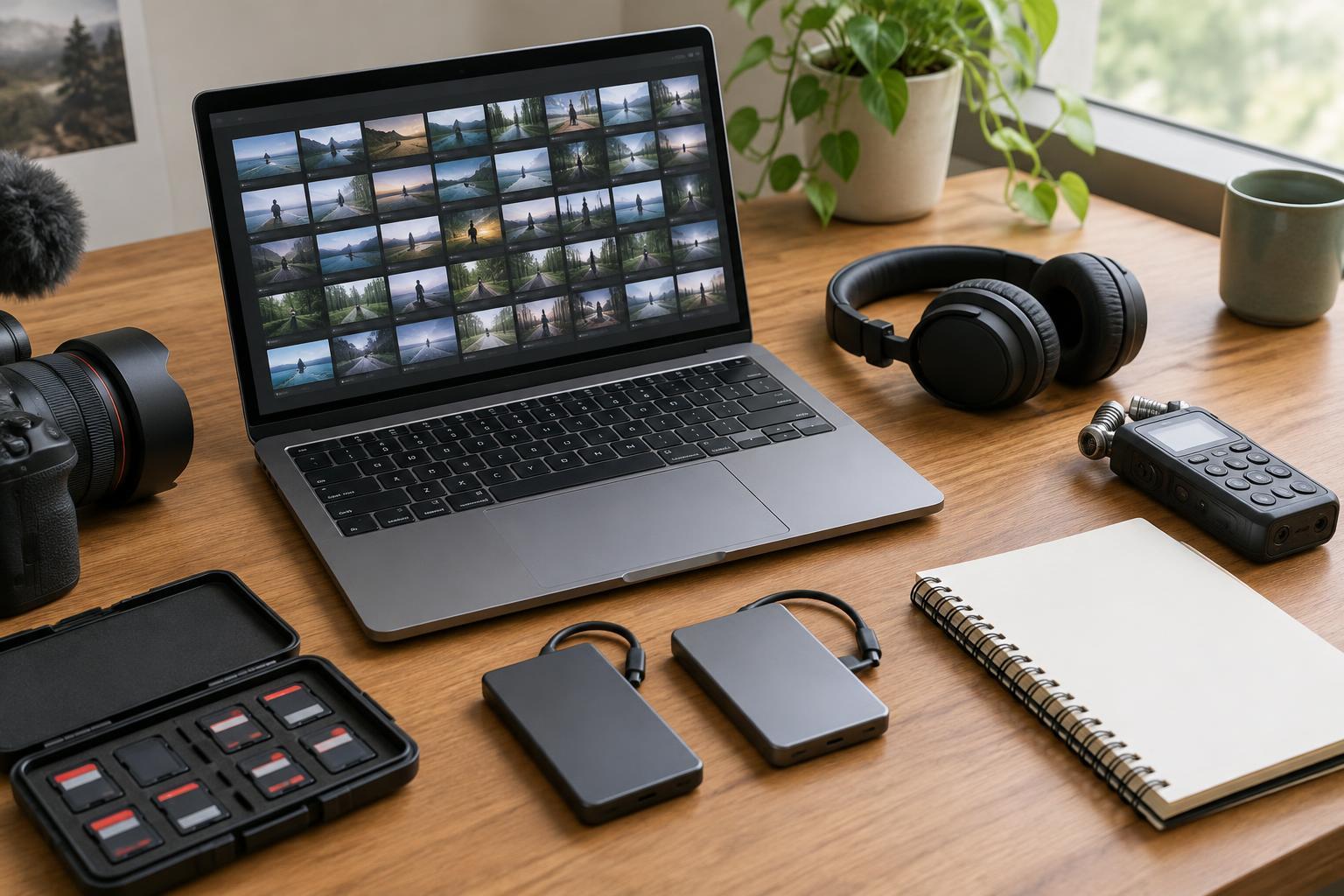
Keep cards waiting to be copied separate from cards that have been cleared for reuse. Two marked cases or compartments can help, provided everyone on set understands what the labels mean. When a card comes out of a camera, close its case and pass it to the person handling media. Avoid leaving loose cards near a workstation, where an interruption can turn a simple handoff into a guessing game.
Prepare a dependable transfer station
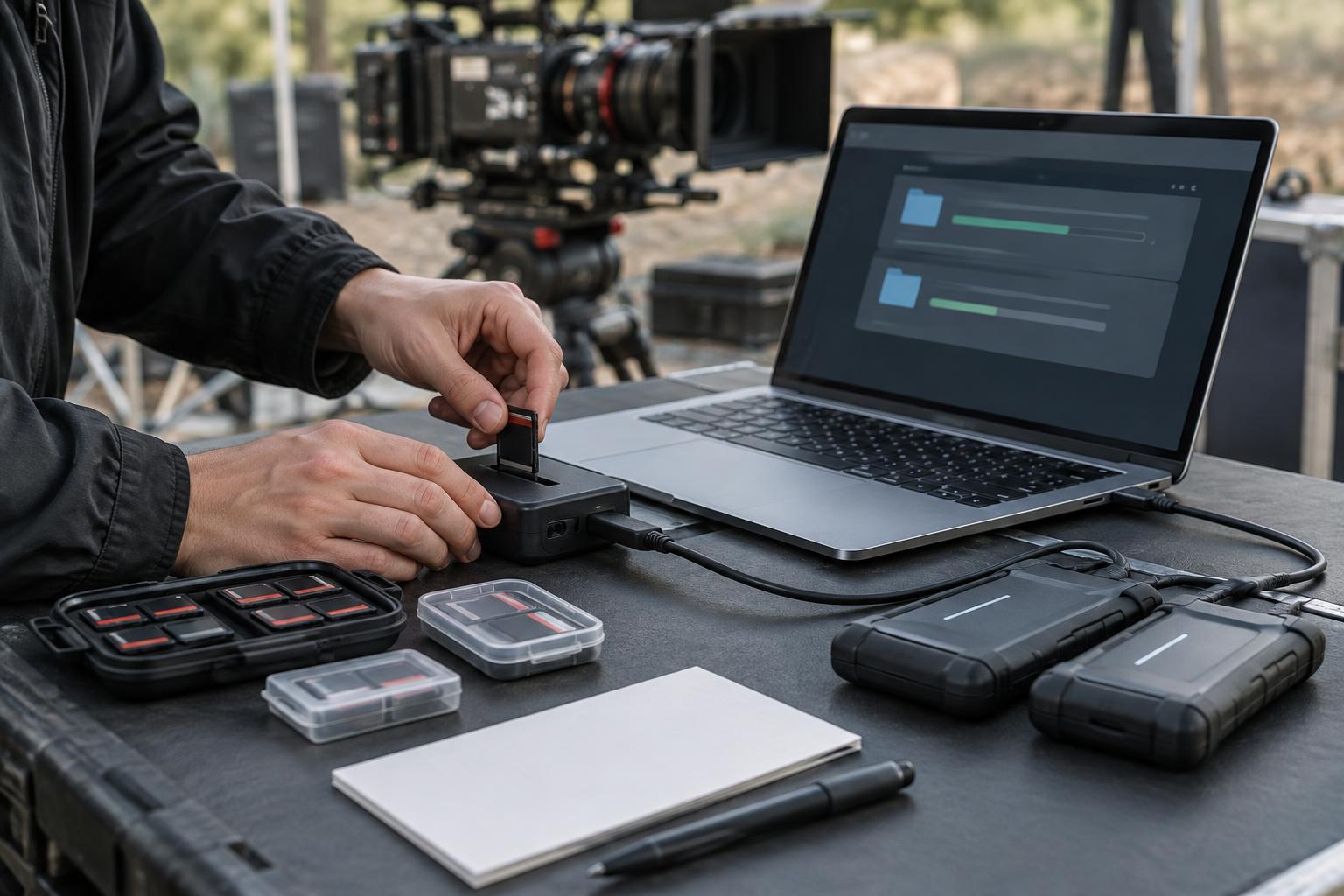
Before filming starts, confirm that the card reader, cables, computer and destination drives work together. Check that the drives have enough free space for the expected footage, with room for changes in the shooting plan. Use a stable, sheltered surface away from drinks and foot traffic. If power is uncertain, a charged laptop or suitable backup power can reduce the chance of a transfer being interrupted.
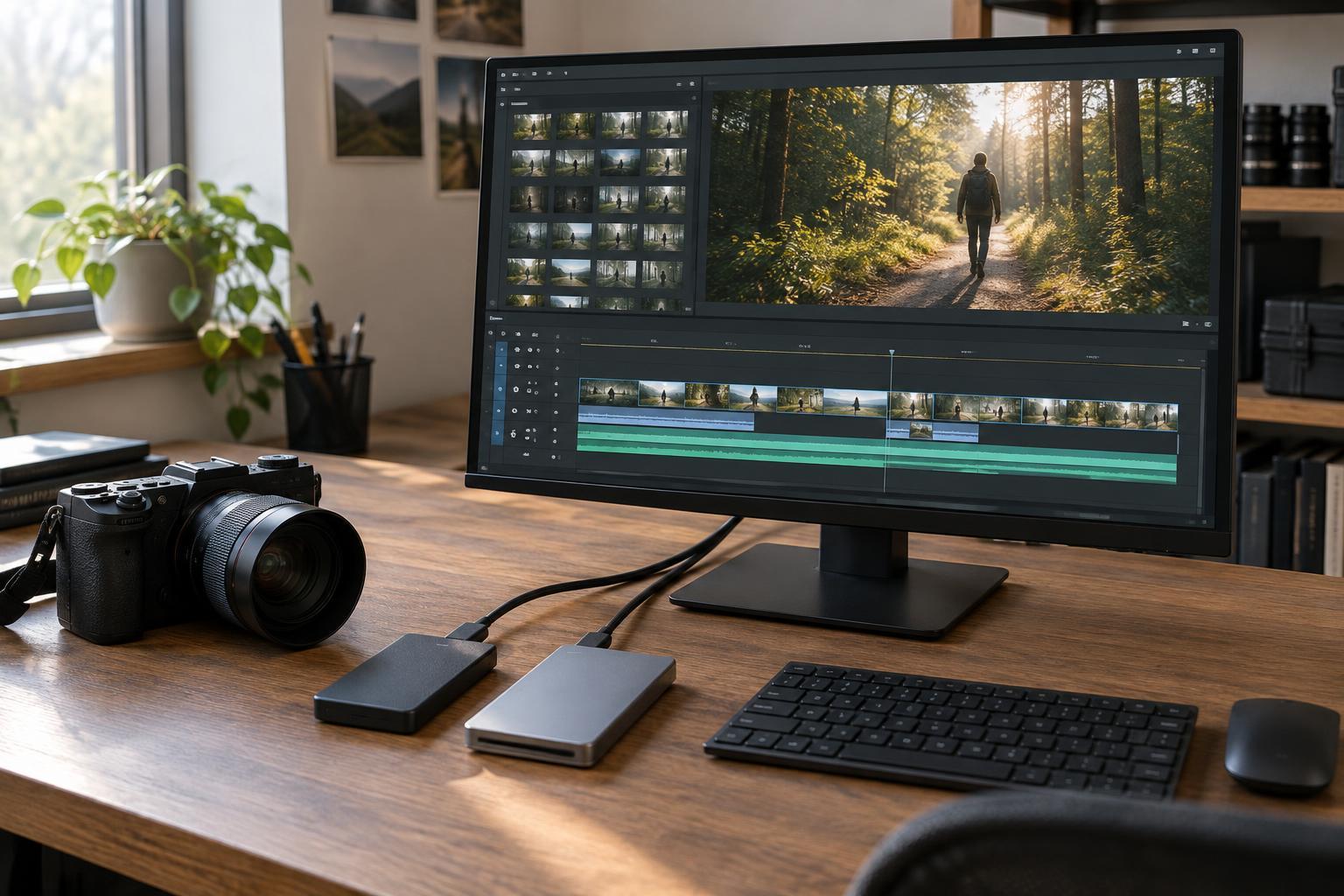
Plan for at least two separate copies of the footage on different drives. One drive can be the working copy for editorial use; the other should remain a backup. Separate drives protect against a single drive failure, though they do not help much if both are lost together. Once copies are complete, keep the drives in different hands or locations when practical. Extra copies can add protection, but only if the team can still track what has been copied and checked.
Copy complete folders, then verify
Copy the card’s full folder structure rather than selecting only the video files that look important. Cameras may store audio, metadata, thumbnails or files that help editing software interpret the footage. Make a clearly named destination folder for each card, and do not rename files or reorganize the original card structure during the transfer. If the camera splits long recordings into several files, preserving that structure is especially helpful.
A transfer is not finished just because a progress bar disappears. Where possible, use a copying tool that verifies the destination against the source with checksums. A checksum is a value calculated from a file’s contents; matching values offer a stronger check than comparing filenames or file sizes alone. If that kind of tool is unavailable, confirm that the expected folders and files are present on each destination and open a selection of clips to check that they play. This manual check is useful, but it is not a substitute for full verification.
If verification fails or a file will not open, do not clear the card. Note the error, keep the original untouched and investigate the reader, cable, destination drive or transfer process. Recopying from the card is safer than assuming a questionable file will be usable later.
Keep a log someone else can understand
A simple transfer log should record the card identifier, camera, destination drives, transfer status and the person who performed the copy. It can also note the folder name and any errors or unusual events. Use status terms with distinct meanings, such as “received,” “copied,” “verified on both drives” and “cleared for reuse.” A card marked merely “done” leaves too much open to interpretation.
Follow one naming pattern throughout the shoot. For example, a project folder can contain a shooting-day folder, followed by separate folders named for each card. Consistency matters more than an elaborate naming scheme. At a handoff, another crew member should be able to find a card’s copies and tell whether both were verified without needing to ask the person who made them.
Clear cards only after a deliberate handoff
A copied card is not automatically ready to format. First, confirm that both destination copies are present and verified, and that the transfer log reflects that result. Then follow the production’s agreed sign-off process for releasing media. On a small shoot, this might be a direct confirmation between the person managing cards and the camera operator. The important point is that no one formats a card based on an assumption.
When a card is approved for reuse, format it in the camera that will record to it, following that camera’s normal procedure. Avoid deleting individual clips to make space; that can leave a confusing mix of old and new material. If a card behaves unexpectedly, set it aside rather than putting it straight back into rotation.
Safe media handling is a repeatable sequence: identify the card, copy its complete contents, verify separate copies, record the result and only then release the card. It may feel slow during a busy shoot, but a clear routine is easier to follow under pressure than an improvised rescue plan after footage goes missing.